HackTool:Telegram/HackG represents a category of malicious tools marketed as "Telegram account hacking utilities" but that typically deliver far more harm than advertised functionality. These applications promise users the ability to compromise Telegram accounts, steal credentials, or intercept messages — but in reality, they're trojans designed to infect the victim's own computer. Security researchers classify these as dual-threat malware: they don't provide the hacking capabilities they promise, and they install backdoors, keyloggers, or information stealers on the machine running them. If you've downloaded or executed something claiming to hack Telegram accounts, your system is now the compromised target.
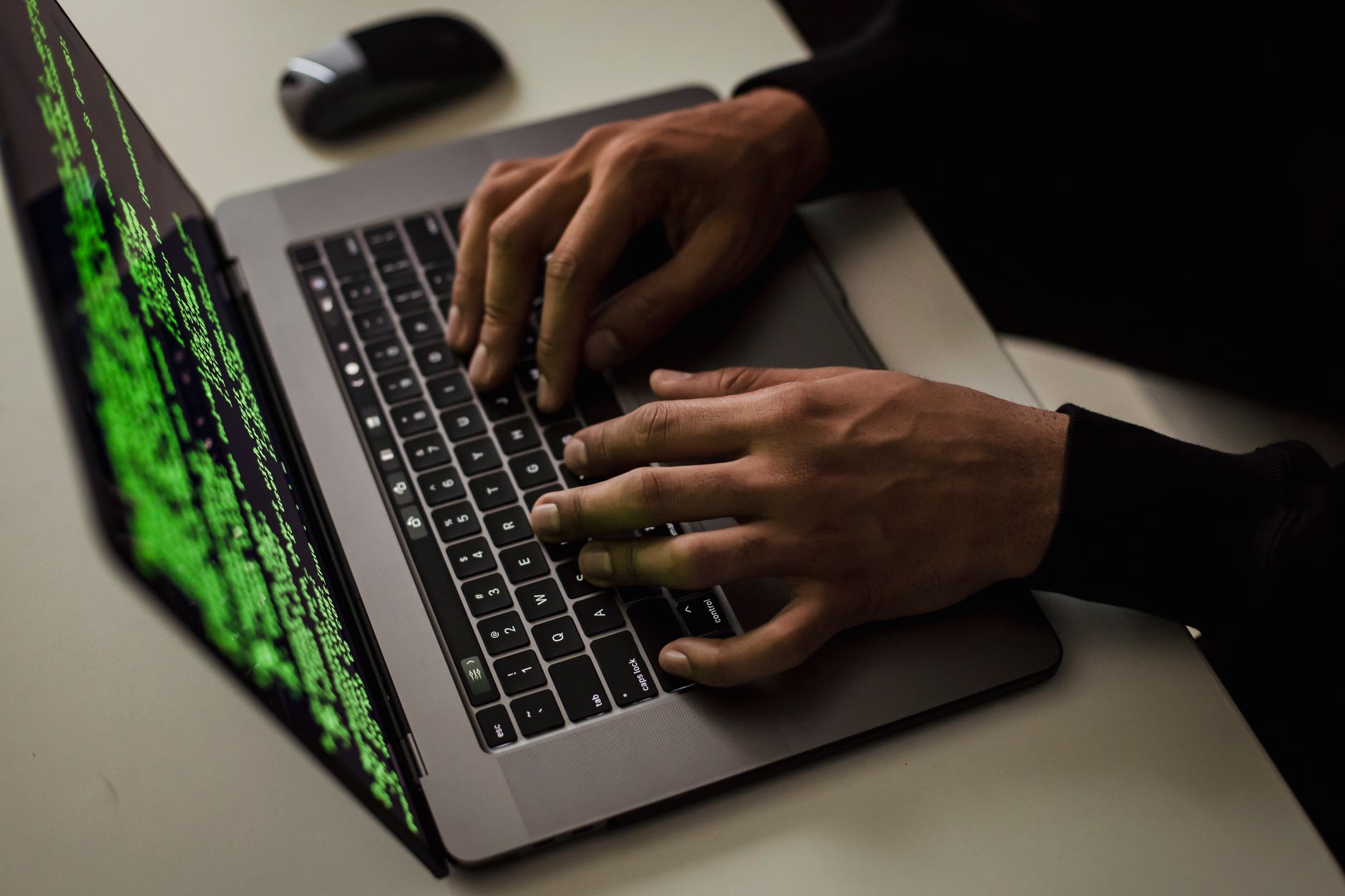
This threat exploits social engineering rather than technical vulnerabilities. The people most at risk are those actively searching for ways to break into someone else's Telegram account — often motivated by jealousy, curiosity, or malicious intent. Ironically, these users end up victimizing themselves. The malware typically arrives as a standalone executable, packaged with convincing screenshots and fake testimonials on sketchy forums or file-sharing sites.
Threat Profile
| Attribute | Details |
|---|---|
| Threat Classification | HackTool / Trojan-Stealer Hybrid |
| Family | Generic HackTool variants, often bundled with Agent Tesla, NanoCore, or similar RATs |
| Common Aliases | Telegram Hacker, TeleHack, TG Account Stealer, HackTool.MSIL.Telegram (varies by AV vendor) |
| Target Platform | Windows (7, 8, 10, 11) — 32-bit and 64-bit; some variants target Android |
| Distribution Method | Social engineering via hacking forums, YouTube tutorials, Pastebin links, Discord servers, cracked software bundles |
| Persistence Mechanism | Registry Run keys, scheduled tasks, startup folder entries; some variants inject into legitimate processes |
| Primary Capabilities | Credential theft (browsers, email, FTP clients), keylogging, screenshot capture, clipboard monitoring, remote access backdoor installation |
| Typical File Size | 500 KB – 15 MB (often obfuscated/packed .NET or native executables) |
| Network Behavior | Establishes C2 (command-and-control) connections on non-standard ports; exfiltrates data via HTTP/HTTPS or SMTP; may download additional payloads |
| Common Artifacts | Randomly-named executables in %APPDATA% or %LOCALAPPDATA%, mutex objects to prevent duplicate infections, encoded configuration files |
| Data at Risk | Saved passwords (Chrome, Firefox, Edge), cryptocurrency wallets, email accounts, session tokens, banking credentials, personal documents |
| Removal Difficulty | Moderate — requires safe mode boot, manual registry editing, and thorough scanning; some variants resist basic AV detection through obfuscation |
How It Spreads
HackTool:Telegram/HackG doesn't spread like a traditional worm or virus. Instead, victims actively download and execute it themselves, believing they're installing a tool to compromise someone else's account. The malware authors rely on curiosity, jealousy, and technical ignorance. They seed their trojans on platforms where people search for illicit hacking tools: YouTube comment sections, hacking forums, GitHub repositories disguised as legitimate projects, and file-sharing sites like MediaFire or Mega.
A typical infection scenario begins with a YouTube video titled something like "How to Hack Any Telegram Account FREE 2024 WORKING." The video shows fabricated screenshots of successfully "hacked" accounts. The description contains a link to download the "tool" — often through a URL shortener to evade detection. The downloaded file arrives as a ZIP archive containing an executable, sometimes with a fake readme file or activation instructions designed to appear legitimate. Once the victim runs the program, the infection is immediate.
Distribution vectors include:
- YouTube tutorial scams — Videos demonstrating fake hacking procedures with malware download links in descriptions
- Hacking forums and paste sites — Posts offering "cracked" or "premium" Telegram hacking tools
- Discord and Telegram channels — Ironically, malware distributed through the very platform it claims to exploit
- Torrent bundles — Packaged alongside cracked software or game cheats
- Email phishing — "Your partner is cheating — use this tool to check their Telegram" social engineering messages
- Malvertising — Paid ads on sketchy sites promoting "spy tools" or "account recovery services"
- GitHub/GitLab repositories — Fake open-source projects with executables in releases that claim to be hacking utilities
What It Does On Your Machine
Upon execution, HackTool:Telegram/HackG immediately establishes persistence on your system and begins its actual mission: stealing your data. The fake interface might display progress bars or fake login screens to maintain the illusion of functionality, but in the background, the trojan is harvesting credentials from every password manager and browser on your computer. Common variants use .NET Framework obfuscation to evade antivirus detection during the initial run.
The malware typically performs credential dumping against Chrome, Firefox, Edge, Brave, and Opera browsers — extracting saved passwords, cookies, and autofill data. It also targets standalone applications like FileZilla (FTP credentials), Outlook (email passwords), and cryptocurrency wallet software. Some variants include keylogger modules that record everything you type, sending the logs to the attacker's server every few minutes. Screenshots are captured at regular intervals, especially when banking sites or email login pages are detected in window titles.
More sophisticated versions install a full remote access trojan (RAT) component, giving the attacker complete control over your machine. They can activate your webcam, browse your files, execute commands, and use your computer as part of a botnet. The malware maintains persistence through multiple mechanisms to survive reboots — typically adding registry Run keys and creating scheduled tasks that re-launch the payload if the main process is terminated.
C:\Users\[username]\AppData\Roaming\TelegramHack\config.dat
HKCU\Software\Microsoft\Windows\CurrentVersion\Run\
"UpdateCheck" = "C:\Users\[username]\AppData\Local\{GUID}\svchost.exe"
C:\Windows\Tasks\SystemUpdate.job
// Scheduled task runs payload every 30 minutes
C:\Users\[username]\AppData\Local\Temp\passwords.txt
// Exfiltrated credential dump before transmission
Network activity includes connections to command-and-control servers, often hosted on compromised WordPress sites or free hosting services. The malware sends encrypted packets containing your stolen data — passwords arrive as base64-encoded strings, screenshots as compressed JPEGs. Some variants use Telegram's own bot API as the exfiltration channel, sending your data to the attacker's Telegram bot, which makes detection harder since the traffic appears to be legitimate Telegram communication.
Manual Removal — Step by Step
Disconnect from the Internet Immediately
Unplug your Ethernet cable or turn off WiFi. This stops the malware from sending additional data to its control server and prevents further payload downloads. Work offline for all remaining steps until you've verified the system is clean.
Boot Into Safe Mode with Networking
Restart your computer. During boot, press F8 repeatedly (or Shift+Restart on Windows 10/11, then navigate to Troubleshoot > Advanced Options > Startup Settings > Restart > press 5 for Safe Mode with Networking). Safe Mode prevents most malware from loading its persistence mechanisms.
Open Task Manager and Terminate Suspicious Processes
Press Ctrl+Shift+Esc. Look for processes with random names, unusually high CPU usage, or executables running from AppData folders. Note the executable path before terminating. Common disguises include fake "svchost.exe" or "explorer.exe" running from user directories instead of System32.
Remove Startup Persistence Entries
Press Win+R, type msconfig, and check the Startup tab (on Windows 10/11, this redirects to Task Manager's Startup tab). Disable any entries pointing to the suspicious executable paths you noted. Then press Win+R, type regedit, and navigate to HKEY_CURRENT_USER\Software\Microsoft\Windows\CurrentVersion\Run — delete any entries with paths matching the malware location.
Check and Delete Scheduled Tasks
Open Task Scheduler (search for it in Start menu). Review the Task Scheduler Library for recently created tasks that run executables from AppData or Temp folders. Delete any suspicious entries. The malware often creates tasks with generic names like "UpdateCheck" or "System Maintenance" with random GUID identifiers.
Manually Delete the Malware Files
Navigate to the folders you identified earlier (typically %LOCALAPPDATA% or %APPDATA% subfolders). Delete the entire malware directory. Be thorough — check Temp folders as well. If Windows says the file is in use, ensure you terminated the process in Step 3, or use a tool like Unlocker to force deletion after reboot.
Run Malwarebytes and a Full System Scan
Download Malwarebytes Free (from another clean computer if necessary, transfer via USB). Install and run a full Threat Scan. This will catch persistence mechanisms and payload variants you might have missed. Quarantine everything it finds. Follow up with a second opinion scanner like HitmanPro or Emsisoft Emergency Kit.
Reset All Browsers to Remove Malicious Extensions
Open each browser's settings and perform a full reset (Chrome: Settings > Reset settings > Restore settings to their original defaults). This removes injected extensions and clears compromised cookies. Don't just disable extensions — a full reset is necessary.
Change All Important Passwords From a Clean Device
Because this malware steals credentials and may include a keylogger, assume everything you typed recently was captured. Use a different device (your phone, a clean computer) to change passwords for email, banking, social media, and any accounts with saved payment methods. Enable two-factor authentication everywhere possible.
Reboot Normally and Verify the System Is Clean
Restart your computer normally (exit Safe Mode). Once booted, run Malwarebytes one more time to confirm no threats remain. Check Task Manager for suspicious processes. Monitor network activity for unusual outbound connections. If you see anything concerning or if performance issues persist, the infection may be deeper than manual removal can address — bring it to us.
Prevention
- Never download "hacking tools" from untrusted sources. Legitimate security research tools come from established vendors and open-source projects with verifiable reputations. If it promises to hack someone's account, it's malware targeting you, not them.
- Maintain updated antivirus software with real-time protection enabled. Windows Defender is adequate for most users if kept current, but consider adding Malwarebytes Premium for behavior-based detection of zero-day threats.
- Enable User Account Control (UAC) and pay attention to elevation prompts. If a program you just downloaded asks for administrator privileges, that's a massive red flag — especially if it's supposed to be a simple utility.
- Keep Windows and all applications fully patched. Enable automatic updates for Windows, browsers, and commonly exploited software like Java and Adobe Reader. Many malware variants exploit known vulnerabilities that patches already fix.
- Use a standard user account for daily activities, not an administrator account. This limits malware's ability to make system-wide changes and install persistent rootkit components.
- Be extremely skeptical of YouTube tutorials and forum posts offering "exclusive tools." Check comments — if dozens of people report infections or if the uploader's account is brand new, it's a trap.
- Download software only from official websites, never from file-sharing services. Verify URLs carefully (attackers register misspelled domains). For open-source tools, use the official GitHub releases page, and check the repository's age and contributor activity.
- Implement browser-based password management instead of relying on built-in browser storage. A dedicated password manager like Bitwarden or 1Password encrypts your credentials with a master password, making bulk extraction much harder for credential-stealing malware.
Bring It In
If you've attempted manual removal and still see suspicious activity — unexpected network traffic, browser redirects, sluggish performance, or antivirus alerts that keep returning — the infection may have rootkit components or multiple payload stages that require specialized tools to eliminate. We see these "hacking tool" trojans weekly at our Roswell shop, and we know exactly where they hide. Our techs use bootable rescue environments and forensic scanning tools that operate outside the infected Windows installation, catching persistence mechanisms that evade standard removal procedures.
Don't gamble with your personal data. This category of malware specifically targets credentials, financial information, and identity documents. The longer it remains active, the more damage it does. Call us at (770) 695-6860 or stop by our shop at 1750 Hembree Road, Suite 100, Roswell, GA 30076. We offer same-day service for malware removal, transparent flat-rate pricing, and a thorough post-cleaning security consultation to prevent reinfection. We'll verify your system is genuinely clean before you take it home — not just "probably fine," but forensically confirmed secure.