Trojan:Shell/B represents a family of shellcode-based trojans designed to execute malicious payloads directly in system memory, often bypassing traditional file-based detection mechanisms. This threat commonly arrives as a secondary infection dropped by exploit kits or bundled with other malware, making it a component of larger infection chains rather than a standalone threat. While individual variants in this family differ in their specific payloads, they share the characteristic behavior of injecting code into legitimate Windows processes to achieve persistence and evade antivirus software.
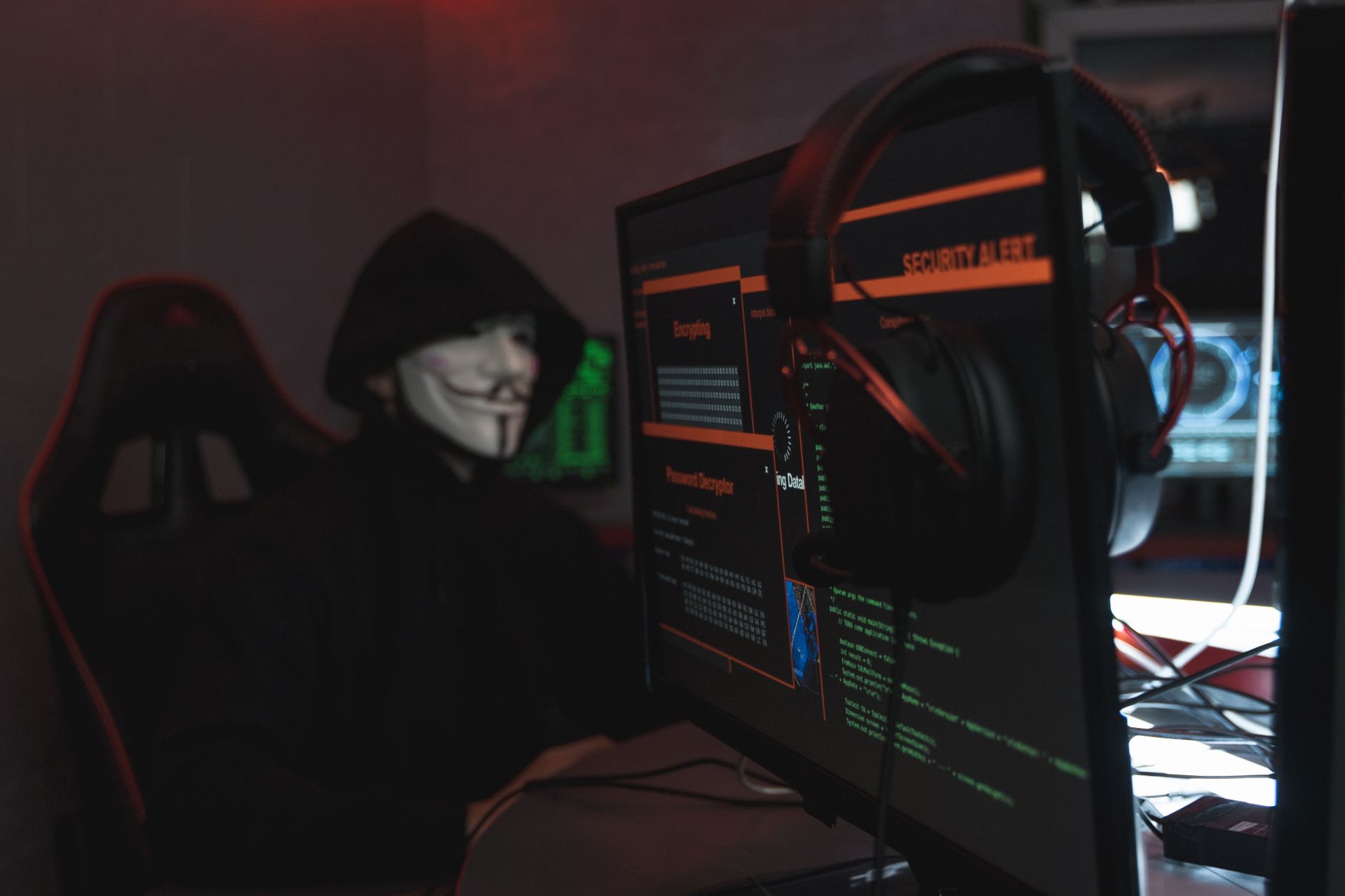
The "Shell" designation indicates this trojan's use of shellcode—compact, position-independent code that executes in memory without requiring a complete executable file structure. The "/B" classification represents a specific behavioral variant within Microsoft's threat taxonomy. Once active, Trojan:Shell/B variants typically download additional malicious components, establish backdoor access for remote attackers, or facilitate data exfiltration from compromised systems.
Threat Profile
| Threat Family | Trojan:Shell (shellcode-injector trojan) |
| Classification | Trojan dropper, backdoor component |
| Platform | Windows XP through Windows 11 (32-bit and 64-bit) |
| Detection Aliases | Generic.Shell.B (various vendors), Trojan.ShellCode, Backdoor.ShellInject, Mal/Generic-S |
| Discovery Timeline | Variants documented since early 2010s; actively evolved |
| Distribution Methods | Exploit kits, malicious email attachments, software bundling, drive-by downloads |
| Persistence Mechanisms | Registry Run keys, scheduled tasks, process injection into explorer.exe or svchost.exe |
| Primary Capabilities | Code injection, payload downloading, process manipulation, anti-detection techniques |
| Typical Artifacts | Randomly-named executables in %TEMP% or %LOCALAPPDATA%, modified Run registry keys, suspicious scheduled tasks |
| Network Behavior | Outbound connections to command-and-control servers, typically on non-standard ports; downloads additional malware components |
| Data at Risk | Login credentials, banking information, personal files, browsing history, system information |
| Removal Difficulty | Moderate to High — requires careful process termination and persistence removal; may reinstall from memory-resident components |
How It Spreads
Trojan:Shell/B most frequently arrives on systems through exploit kits that target unpatched vulnerabilities in web browsers, Flash Player, Java, or Adobe Reader. When you visit a compromised website—often a legitimate site that's been hacked—the exploit kit silently probes your system for known vulnerabilities. If it finds an unpatched weakness, it delivers the shellcode payload without requiring any action on your part. This "drive-by download" method remains one of the most effective distribution vectors because victims often don't realize they've visited a malicious page.
Email campaigns represent another common distribution channel, though Trojan:Shell/B typically isn't the initial attachment itself. Instead, you might receive a document macro virus or a generic downloader trojan that, once executed, fetches and deploys Trojan:Shell/B as a second-stage payload. This layered approach helps attackers evade email security filters that might catch more obvious threats.
Common infection vectors include:
- Browser exploit kits targeting outdated software (Angler EK, RIG EK, and similar frameworks historically associated with shellcode trojans)
- Malicious email attachments disguised as invoices, shipping notifications, or urgent security alerts that drop secondary payloads
- Software bundling with pirated applications, key generators, or "free" versions of paid software downloaded from unofficial sources
- Fake software updates presented through pop-ups claiming your Flash Player, codec pack, or browser needs immediate updating
- Malvertising campaigns where infected advertisements on legitimate websites deliver exploit code
- Removable media with autorun components that trigger when USB drives from untrusted sources are connected
What It Does On Your Machine
Once Trojan:Shell/B gains execution, its primary function is injecting shellcode into legitimate Windows processes—most commonly explorer.exe (Windows Explorer), svchost.exe (Windows Service Host), or your web browser's process. This injection technique allows the malware to hide within processes you expect to see running, making it difficult to identify through casual inspection of Task Manager. The injected code runs with the same privileges as the host process, giving it substantial access to system resources and user data.
After establishing its initial foothold, the trojan typically reaches out to a command-and-control server to download additional components. These secondary payloads vary widely depending on the attacker's objectives. You might receive ransomware, information-stealing modules designed to harvest saved passwords from browsers, keyloggers that record everything you type, or cryptocurrency miners that consume your system resources. The modular nature of this threat means that what starts as a relatively simple shellcode injector can quickly escalate into a comprehensive system compromise with multiple malicious components working simultaneously.
System performance degradation often provides the first noticeable symptom. The infected process consuming abnormally high CPU or memory, unexplained network activity, and increased disk access can all indicate active trojan behavior. Your antivirus software may begin flagging previously clean files if the trojan attempts to infect additional executables. Browser behavior frequently changes—new toolbars appear, your homepage or search engine defaults get hijacked, and you see increased pop-up advertisements even on sites that don't normally display them.
Manual Removal — Step by Step
Disconnect From the Internet
Immediately disconnect your computer from all networks—unplug the ethernet cable or disable Wi-Fi. This prevents the trojan from downloading additional payloads, communicating with its command server, or transmitting your stolen data. If you're on a business network, also notify your IT department before proceeding with any removal steps.
Boot Into Safe Mode with Networking
Restart your computer and press F8 repeatedly during boot (or hold Shift while clicking Restart on Windows 10/11, then navigate to Troubleshoot > Advanced Options > Startup Settings > Restart > press 5 for Safe Mode with Networking). Safe Mode loads only essential Windows components, preventing most malware from starting automatically and making the infected processes easier to terminate.
Identify and Terminate Malicious Processes
Open Task Manager (Ctrl+Shift+Esc) and look for suspicious processes—particularly anything running from your Temp or AppData folders. Download Process Explorer from Microsoft's website (using a clean device) if available, as it shows more detailed information including which files each process has loaded. Right-click suspicious processes and select "End Process Tree" to terminate both the malware and any child processes it spawned.
Remove Registry Persistence Entries
Press Windows Key + R, type regedit, and navigate to HKEY_CURRENT_USER\Software\Microsoft\Windows\CurrentVersion\Run and HKEY_LOCAL_MACHINE\Software\Microsoft\Windows\CurrentVersion\Run. Look for entries you don't recognize, particularly those pointing to files in Temp or AppData locations with random names. Right-click suspicious entries and delete them, but be cautious—deleting legitimate startup entries can cause problems with installed software.
Delete Scheduled Tasks
Open Task Scheduler (search for it in the Start menu) and review the Task Scheduler Library. Look for tasks you didn't create, especially those with generic names like "Windows Update Check" or "System Service" that run frequently and execute files from AppData or Temp folders. Right-click suspicious tasks and select Delete. Trojan:Shell/B frequently uses scheduled tasks to re-launch itself even after process termination.
Locate and Delete the Trojan Files
Navigate to C:\Users\[YourUsername]\AppData\Local\Temp and C:\Users\[YourUsername]\AppData\Roaming and look for recently created folders with random GUID names or suspicious executables. Enable "Show hidden files" in Folder Options first. Delete the entire folder containing the trojan binary. Also check your Downloads folder and recent browser download history for the original infection vector.
Run Comprehensive Malware Scans
Reconnect to the internet and download Malwarebytes (the free version works) and run a full system scan. Follow this with a scan using your primary antivirus software with updated definitions. Trojan:Shell/B often installs additional malware components that manual removal might miss. Let both scanners quarantine everything they find, then restart your computer and run a second scan to verify nothing remains active.
Reset Browser Settings
If your browsers were affected (homepage changes, new toolbars, redirects), reset each browser to its default settings. In Chrome, go to Settings > Advanced > Reset and clean up > Restore settings to original defaults. In Firefox, create a new profile or use the Refresh feature. In Edge, go to Settings > Reset settings. This removes injected extensions and restores hijacked settings.
Change Your Passwords
Trojan:Shell/B variants often include credential-stealing capabilities. From a confirmed clean device (or after you're confident the infection is removed), change passwords for all critical accounts—email, banking, social media, and any sites where you've entered payment information. Enable two-factor authentication wherever possible to protect against any credentials that may have been compromised.
Reboot and Monitor
Restart your computer normally (not in Safe Mode) and monitor system behavior for the next few days. Watch for the symptoms that initially appeared—unexpected CPU usage, network activity when you're not browsing, new unknown processes. Run another malware scan after 24 hours to catch any components that might have remained dormant during initial cleanup. If symptoms return, the infection likely has components that survived manual removal.
Prevention
- Keep all software updated. Enable automatic updates for Windows, your web browsers, Flash Player (or better, uninstall it entirely as it's deprecated), Java, and Adobe Reader. The exploit kits that deliver Trojan:Shell/B specifically target known vulnerabilities in outdated software. Microsoft's monthly Patch Tuesday updates address critical security holes that attackers actively exploit.
- Use reputable antivirus software with real-time protection. Windows Defender (now Microsoft Defender) provides adequate baseline protection if kept updated, but consider supplementing it with Malwarebytes Premium for additional behavioral detection. Ensure real-time protection remains enabled—scheduled scans alone won't catch infections as they happen.
- Exercise extreme caution with email attachments. Never open attachments from unknown senders, and scrutinize unexpected attachments even from known contacts (their accounts may be compromised). Invoices, shipping notifications, and urgent security alerts represent the most common lures. When in doubt, contact the supposed sender through a different communication channel to verify legitimacy.
- Download software only from official sources. Avoid third-party download sites, torrent repositories, and "free" versions of paid software. Attackers frequently bundle malware with pirated applications, key generators, and codec packs. The few dollars saved aren't worth the risk of a comprehensive system compromise.
- Use a standard user account for daily computing. Reserve administrator accounts for system maintenance and software installation. Malware running under a limited user account has restricted ability to modify system-wide settings, install drivers, or access other users' files. This single change significantly reduces infection impact even when prevention fails.
- Implement browser security settings. Disable automatic downloads, configure your browser to ask where to save downloads rather than auto-opening them, and consider using browser extensions like uBlock Origin that block malicious advertisements. Many Trojan:Shell/B infections begin with malvertising on otherwise legitimate websites.
- Back up important data regularly. While backups don't prevent infection, they protect you from the worst-case scenario where cleanup requires a complete system reinstall. Use the 3-2-1 rule: three copies of your data, on two different media types, with one copy stored offsite (cloud backup or external drive stored elsewhere).
- Enable User Account Control (UAC) at its highest setting. While UAC prompts can be annoying, they provide critical notification when software attempts to make system-level changes. Malware that requires administrative privileges to install will trigger a UAC prompt—if you see one when you didn't intentionally install anything, click No.
Bring It In
Manual removal of Trojan:Shell/B and its associated payloads can be technically challenging, time-consuming, and risky if you're not completely confident in your ability to identify all malicious components. A single overlooked registry key or scheduled task can result in reinfection within hours of cleanup. If you've followed the manual steps above and still experience symptoms, or if you'd prefer to have professionals handle the removal from the start, Computer Repair Roswell offers same-day malware removal service with diagnostic results typically available within hours.
Our technicians maintain current certifications and regularly handle shellcode-based trojans, rootkits, and complex multi-component infections. We perform comprehensive pre- and post-removal testing to verify complete eradication, not just temporary suppression. Located in Roswell, Georgia, we serve residents and businesses throughout North Fulton County with transparent pricing, no hidden diagnostic fees, and our 90-day reinfection warranty. Call (770) 637-1435 to schedule an appointment or stop by our shop—most malware removals are completed the same day you bring your computer in.