HackTool:Win32/RobloxHack.HG is a malicious program that masquerades as a "free Robux generator" or game cheat tool for the popular online gaming platform Roblox. Despite promises of unlimited in-game currency or gameplay advantages, this threat delivers unwanted software, collects sensitive information, and often serves as a gateway for additional malware infections. Security vendors classify it as a potentially unwanted program (PUP) with trojan capabilities, targeting primarily younger users and their families who may not recognize the inherent risks of downloading unofficial game modifications.
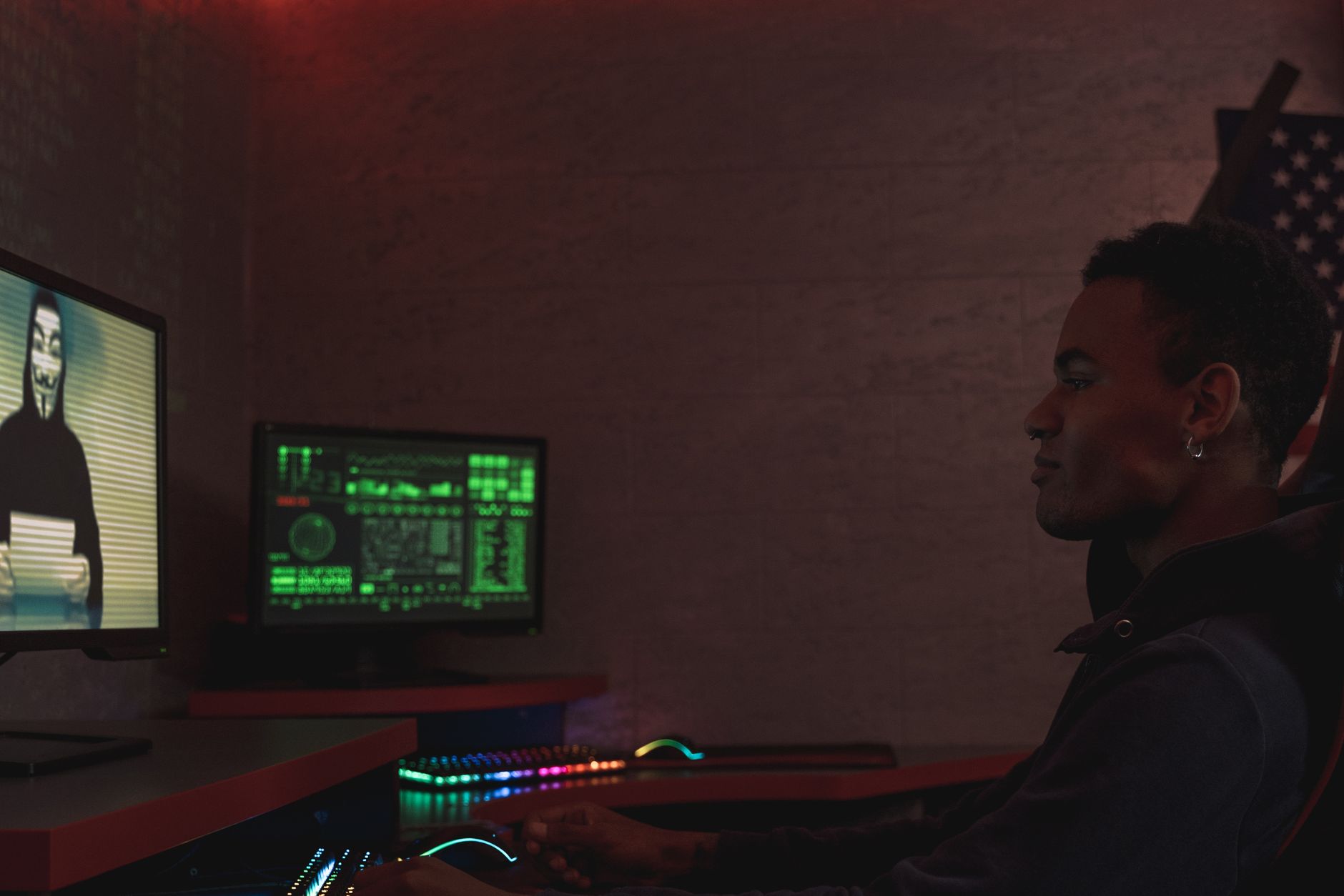
What makes this threat particularly concerning is its distribution through social engineering tactics specifically designed to exploit the Roblox community. Children and teenagers searching for shortcuts to earn Robux—the platform's premium currency—encounter YouTube videos, Discord servers, and websites promoting these "hack tools." The resulting infection typically includes adware, browser hijackers, information stealers, and in some cases, remote access trojans that grant attackers control over the compromised system.
Threat Profile
| Attribute | Details |
|---|---|
| Threat Family | HackTool / PUP-Bundler / Information Stealer |
| Common Aliases | PUA:Win32/RobloxHack, RobloxHackTool, Trojan.RobloxCheat, PUP.Optional.RobloxGen |
| Platforms Affected | Windows 7 through 11 (all editions); occasionally targets Android devices |
| Primary Targets | Children, teenagers, and families with Roblox players; home computers |
| Distribution Methods | YouTube videos, Discord invites, fraudulent websites, social media ads, game cheat forums |
| Persistence Mechanisms | Registry Run keys, scheduled tasks, browser extensions, startup folder shortcuts |
| Typical Capabilities | Adware injection, browser hijacking, credential theft, clipboard monitoring, additional payload downloads |
| Common File Locations | %TEMP%, %APPDATA%\Local, %PROGRAMFILES(X86)%\[Random folder], browser extension directories |
| Network Behavior | Connects to command-and-control servers, downloads additional modules, exfiltrates browser data and credentials |
| Detection Difficulty | Moderate—often detected by reputable AV, but variants update frequently to evade signatures |
| Removal Difficulty | Moderate—requires manual cleanup of browser extensions, registry modifications, and bundled components |
| Data at Risk | Roblox credentials, browser cookies/passwords, cryptocurrency wallet data, system information |
How It Spreads
The distribution model for RobloxHack.HG relies almost entirely on social engineering targeting the Roblox gaming community. Threat actors create convincing YouTube tutorials showing supposed "proof" of free Robux generation, complete with fabricated account balance screenshots and enthusiastic commentary. These videos accumulate thousands of views from young players desperate to obtain premium currency without spending real money. The video descriptions contain links to file-sharing services, Discord servers, or dedicated websites hosting the malicious executable.
Discord has become a particularly effective distribution channel for this threat. Scammers create servers with names like "Free Robux Generator 2024" or "Roblox Hacks Working," populate them with bot accounts to simulate active communities, and share direct download links. The social proof of seeing hundreds of "members" discussing the tool lowers victims' guard. These servers often disappear and reappear under new names to evade Discord's takedown efforts.
Common distribution vectors include:
- YouTube tutorial videos with titles promising "UNLIMITED ROBUX 2024 WORKING" and links to external download sites
- Discord servers and DMs offering "exclusive" access to working generators and cheat tools
- Search engine results for terms like "free Robux generator" or "Roblox hack download"—often leading to SEO-poisoned websites
- Social media advertisements on TikTok, Instagram, and Facebook promoting game hacks
- Software bundling with other PUPs, game cracks, or pirated software installers
- Forum posts and Reddit threads where threat actors impersonate helpful community members
- Direct messaging on gaming platforms where compromised accounts spam friends with download links
What It Does On Your Machine
Once executed, RobloxHack.HG typically presents a convincing interface resembling a legitimate application—often with a "Loading" screen, progress bars, and fields to enter your Roblox username. This is pure theater. No actual Robux generation occurs because that would require breaching Roblox's server-side systems, which these tools cannot and do not do. Instead, the program immediately begins its actual payload deployment in the background while distracting the user with fake progress indicators.
The primary function is installing bundled adware and browser hijackers. Within minutes, victims notice their homepage has changed to an unfamiliar search engine, new toolbars appear in their browsers, and aggressive pop-up advertisements interrupt normal browsing. The threat modifies browser shortcut targets to inject unwanted parameters, installs malicious extensions that cannot be easily removed, and sets persistent policies through the Windows Registry to prevent users from reverting these changes.
More sophisticated variants include information-stealing capabilities. The malware scans browser profiles for saved credentials, particularly targeting Roblox login cookies that allow session hijacking without knowing passwords. It may also harvest credentials for email accounts, social media, and gaming platforms. Some versions monitor the clipboard for cryptocurrency wallet addresses, replacing them with attacker-controlled addresses when victims attempt to make transactions—a technique called "clipper" malware.
Parents frequently discover the infection only after their child's Roblox account has been compromised. Attackers use stolen credentials to drain account balances, steal limited-edition items, and sometimes hold the account for ransom. In other cases, the compromised account becomes another vector for spreading the malware—the attacker uses it to message the victim's friends with the same fake generator link, perpetuating the infection cycle.
Manual Removal — Step by Step
Disconnect From the Network
Immediately disconnect your computer from the internet by unplugging the Ethernet cable or disabling Wi-Fi. This prevents the malware from receiving new commands, downloading additional payloads, or exfiltrating any more data while you work on removal. This step is especially critical if you suspect credential theft—it limits the window for attackers to access your accounts.
Boot Into Safe Mode With Networking
Restart the computer and boot into Safe Mode with Networking. On Windows 10/11, hold Shift while clicking Restart, then navigate to Troubleshoot → Advanced Options → Startup Settings → Restart, and select option 5. Safe Mode loads only essential system files and drivers, preventing most malware from launching automatically and making removal significantly easier.
Open Task Manager and End Suspicious Processes
Press Ctrl+Shift+Esc to open Task Manager. Look for processes with random names, those consuming unusual resources, or executables running from %TEMP% or %APPDATA% folders. Right-click suspicious processes, select "Open file location" to identify the executable path (note it for later deletion), then choose "End Task." Be cautious not to terminate legitimate Windows processes.
Remove Persistence Mechanisms
Press Win+R, type "msconfig," and press Enter. Under the Startup tab (or "Open Task Manager" on Windows 10/11), disable any unfamiliar entries. Next, press Win+R again, type "taskschd.msc," and review Task Scheduler for recently created tasks with vague names or random GUIDs—delete them. Finally, check the Registry: press Win+R, type "regedit," navigate to HKEY_CURRENT_USER\Software\Microsoft\Windows\CurrentVersion\Run and HKEY_LOCAL_MACHINE equivalent, and remove suspicious value entries pointing to executables in temporary directories.
Delete the Malware Files and Folders
Using File Explorer, navigate to the locations you identified in Task Manager (typically %LOCALAPPDATA% or %TEMP%). Delete entire folders with random GUID names containing the malicious executables. Also check %APPDATA%\Roaming for suspicious folders. Empty the Recycle Bin afterward. You may need to take ownership of some folders if permission errors occur—right-click the folder, select Properties → Security → Advanced, and change the owner to your user account.
Remove Malicious Browser Extensions and Reset Settings
Open each installed browser (Chrome, Edge, Firefox) and navigate to the extensions/add-ons page. Remove any unfamiliar extensions, especially those installed recently or without your explicit permission. Then reset browser settings: in Chrome, go to Settings → Reset and clean up → Restore settings to original defaults. Check the homepage, search engine, and startup page settings manually as well, as some malware reinstalls itself if not thoroughly cleaned.
Scan With Reputable Anti-Malware Tools
Download and run Malwarebytes Free (from malwarebytes.com on a clean device if possible, transferred via USB). Perform a full "Threat Scan" which typically takes 30-60 minutes. Quarantine and remove all detections. Follow up with Windows Defender's offline scan: open Windows Security → Virus & threat protection → Scan options → Microsoft Defender Offline scan → Scan now. This reboots and performs a pre-boot environment scan that catches rootkit-level threats.
Change All Passwords From a Different Device
Using a known-clean device (smartphone, tablet, or another computer), immediately change passwords for Roblox, email accounts, and any other services you accessed on the infected machine. Enable two-factor authentication wherever available, especially for Roblox and email. If you stored credit card information in your browser or made purchases while infected, monitor those accounts for fraudulent charges and consider requesting replacement cards.
Check Roblox Account Security
Log into your Roblox account (from a clean device) and review recent login activity, trades, and purchases under Settings → Security. If you see unauthorized activity, contact Roblox Support immediately. Check your inventory for missing items. Enable two-step verification in your account settings, and consider adding an account PIN for additional security on trades and purchases.
Restart Normally and Verify System Cleanliness
Restart the computer in normal mode and monitor behavior for 24-48 hours. Watch for pop-up ads, browser redirects, unexpected network activity, or performance issues. Run another quick scan with Malwarebytes and Windows Defender to confirm no remnants remain. If problems persist or you're uncertain about complete removal, professional service is the safest option—this infection often bundles multiple threats that require comprehensive cleaning.
Prevention
- Educate children about scams. Explain that legitimate free Robux does not exist outside of official Roblox programs (affiliate rewards, Microsoft Rewards, etc.). Any video, website, or person promising "free Robux generators" is attempting theft or infection. Make this conversation age-appropriate but clear about the consequences.
- Use parental controls and monitoring. Windows Family Safety, third-party parental control software, and network-level filtering can block access to known malware distribution sites. Regularly review what software gets installed on family computers, especially on accounts used by children.
- Maintain updated security software. Keep Windows Defender active and updated (it's actually quite effective for home users). Consider supplementing with Malwarebytes Premium for real-time protection against PUPs and newer threats that signature-based detection might miss.
- Disable installation from unknown sources. Create standard (non-administrator) user accounts for children. Require administrator credentials for software installation. This single measure prevents most infection attempts since children cannot run installers without parental approval.
- Teach skepticism about "proof" videos. Explain that screenshots and videos can be easily faked. Demonstrate how simple video editing makes fake Robux balances look real. Encourage critical thinking: if these generators worked, why would strangers share them for free instead of keeping the exploit secret?
- Bookmark and use only official sources. Add Roblox.com to browser favorites and teach children to access the site only through that bookmark, never through search results or links from videos. The same applies for downloading Roblox—only use the Microsoft Store or official Roblox website.
- Monitor account activity together. Make checking Roblox account security a regular family activity. Review login history, recent trades, and Robux transactions monthly. This creates accountability and helps catch compromises early before significant damage occurs.
- Keep systems and browsers updated. Enable automatic updates for Windows and all installed software. Many PUP installers exploit outdated browser vulnerabilities or Windows components to gain persistence. Timely patching closes these security gaps.
Bring It In
RobloxHack.HG infections often prove more complicated than they initially appear. What starts as a simple "game hack" frequently installs a dozen different unwanted programs, each with its own persistence mechanisms and removal challenges. Browser hijackers reinstall themselves from hidden policy settings, scheduled tasks recreate deleted files, and information stealers may have already transmitted your credentials to attackers before you noticed anything wrong. Professional removal ensures we catch everything—not just the obvious symptoms.
We see these infections weekly at our Roswell shop, especially during school breaks when kids have more unsupervised computer time. Our technicians know exactly where this malware family hides, which registry keys it manipulates, and what bundled threats typically accompany it. We'll clean your system thoroughly, help you secure compromised accounts, and—importantly—sit down with you and your family to explain how the infection happened and how to prevent it going forward. Call us at (770) 695-6510 or stop by our location at 1614 Woodstock Road. Most malware removals are completed same-day, and we're open Monday through Saturday to serve you.