HackTool:MSIL/FakeHack.FWB represents a category of deceptive software that masquerades as legitimate hacking tools, game cheats, or software cracks. Written in Microsoft Intermediate Language (MSIL/.NET), these programs promise users free access to premium software features or gaming advantages but instead deliver malware payloads that compromise system security. While marketed as harmless utilities on underground forums and file-sharing sites, they frequently install trojans, information stealers, or cryptocurrency miners on unsuspecting users' machines.
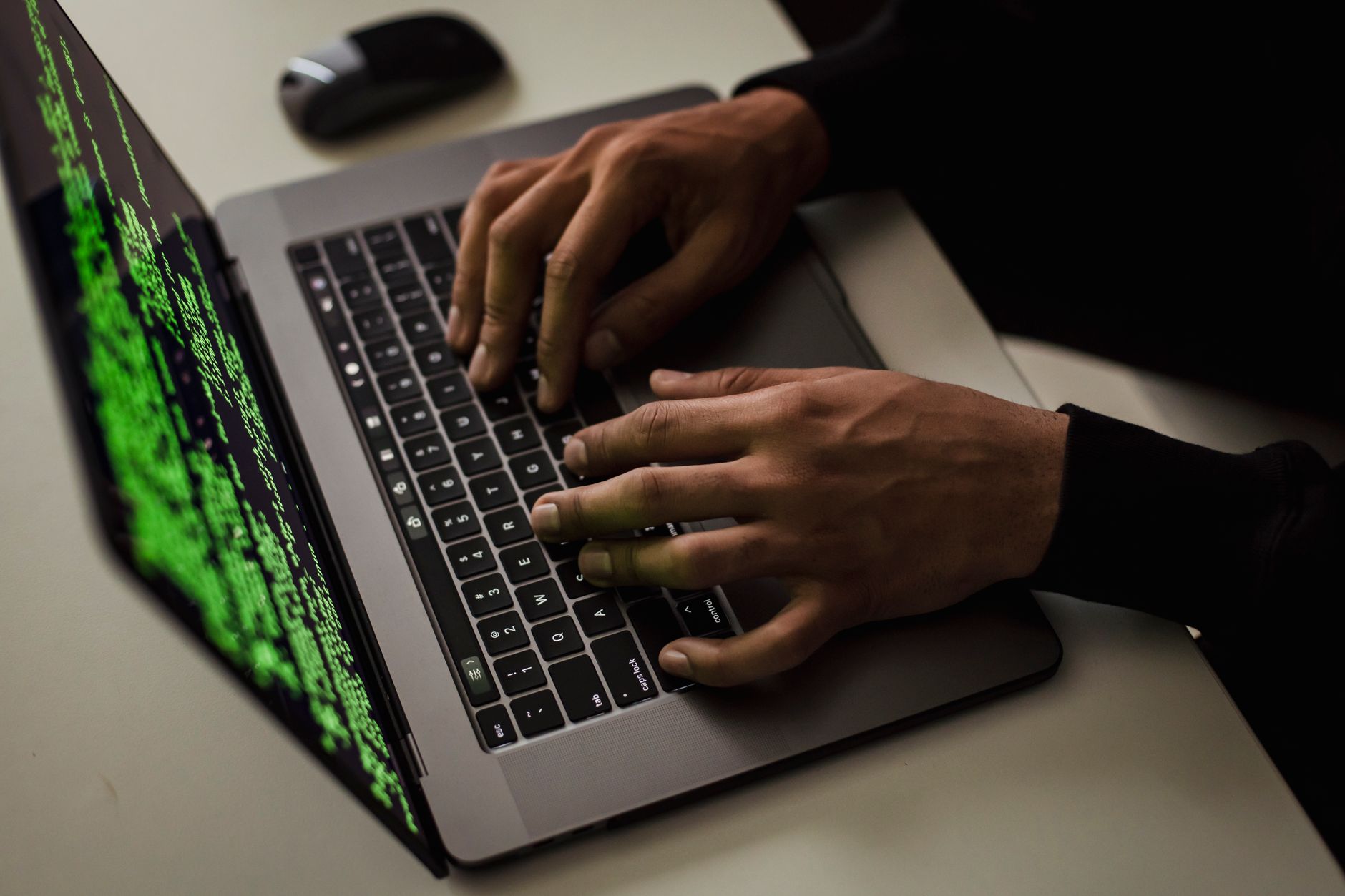
This threat specifically targets users seeking shortcuts—students looking for free software licenses, gamers wanting competitive advantages, or individuals trying to bypass payment systems. The irony is unmistakable: people running what they believe to be "hacking tools" become the victims themselves, with their systems compromised the moment they execute the downloaded file.
Threat Profile
| Attribute | Details |
|---|---|
| Threat Type | HackTool / Trojan Downloader / Potentially Unwanted Program (PUP) |
| Malware Family | FakeHack (MSIL-based variants) |
| Platform | Windows (requires .NET Framework) |
| Common Aliases | HackTool.MSIL.FakeHack, MSIL/FakeHack.FWB, Generic.MSIL.Hacktool, PUA:Win32/FakeHack |
| Distribution Method | Underground forums, torrent sites, YouTube "how-to" video links, Discord servers, file-sharing platforms |
| Typical File Size | Varies (200KB - 5MB, typical for .NET executables) |
| Persistence Mechanism | Registry Run keys, scheduled tasks, startup folder entries |
| Primary Capabilities | Trojan delivery, information theft, cryptocurrency mining, adware injection, browser hijacking |
| Network Behavior | Command-and-control beaconing (varies by payload), download additional malware components, exfiltrate system information |
| Common Artifacts | Randomly-named executables in %TEMP% or %LOCALAPPDATA%, modified browser shortcuts, unfamiliar scheduled tasks |
| Detection Rate | Moderate to high (most reputable security vendors detect the signature, but new variants appear regularly) |
| Removal Difficulty | Moderate (straightforward removal of the initial file, but secondary payloads may require deeper cleaning) |
How It Spreads
FakeHack variants exploit human psychology rather than technical vulnerabilities. The distribution strategy relies on users actively seeking prohibited or illegitimate software. Attackers upload these files to platforms where desperate or naive users search for free alternatives to paid products. The files are deliberately named to match popular search queries: "Fortnite V-Bucks Generator 2024," "Adobe Photoshop Crack," "Netflix Premium Account Generator," or "HWID Spoofer Free Download."
YouTube plays an outsized role in spreading this family of threats. Attackers create tutorial videos showing the "tool" supposedly working, with links to download sites in the video description. These videos accumulate thousands of views from users who trust that video content somehow validates the software's legitimacy. Comment sections are often filled with fake testimonials from bot accounts claiming success.
Common distribution channels include:
- Torrent sites and file-sharing platforms — uploaded with seeders inflated by bot networks to appear popular and trustworthy
- Discord servers and Telegram channels — "exclusive" gaming and software communities where malicious files are shared as member benefits
- URL shorteners with ad-walls — users click through multiple advertising pages before reaching the download, creating revenue for the attackers
- Fake GitHub repositories — projects with professional-looking README files that contain malicious executables in releases
- Search engine poisoning — optimized pages ranking for "free [software name] download" queries that redirect to malware
- Social media DMs — attackers message gamers directly offering cheats or account-boosting services
What It Does On Your Machine
When executed, HackTool:MSIL/FakeHack.FWB typically displays a convincing interface mimicking whatever tool it claims to be—a progress bar "generating" keys, a control panel for game cheats, or a license activation window. Meanwhile, background processes silently install the actual malicious payload. Because these programs are written in .NET, they execute within the managed runtime environment, which provides attackers with convenient access to Windows APIs for file system manipulation, registry modification, and network communication.
The initial infection establishes persistence through multiple mechanisms. Registry Run keys ensure the malware launches at every system startup. Scheduled tasks provide redundancy—even if one persistence method is removed, others reactivate the threat. Some variants modify browser shortcuts to inject command-line parameters that force the browser to load attacker-controlled pages on launch, effectively hijacking the user's web experience.
Secondary payloads vary significantly depending on the attacker's objectives and the malware variant's evolution. Information stealers harvest browser credentials, cryptocurrency wallet files, session tokens for gaming platforms like Steam or Epic Games, and saved form data. Cryptocurrency miners utilize system resources to generate revenue for the attacker, causing performance degradation, increased electricity costs, and hardware wear. Banking trojans intercept financial information when users access online banking sites. Some variants simply install adware that injects advertisements into web pages or redirects search queries to generate pay-per-click revenue.
The network behavior typically includes establishing connections to command-and-control servers to receive instructions, download additional malware modules, or upload stolen data. These connections are often obfuscated using domain generation algorithms or encrypted within HTTPS traffic to evade network monitoring. Users may notice unexplained outbound traffic, unfamiliar processes consuming bandwidth, or firewall alerts for programs they don't recognize.
Manual Removal — Step by Step
Disconnect from the Network
Immediately unplug your ethernet cable or disable Wi-Fi. This prevents the malware from downloading additional components, communicating with command servers, or exfiltrating stolen data. If you're on a home network, consider disconnecting other devices temporarily as some variants attempt lateral movement.
Boot into Safe Mode with Networking
Restart your computer and press F8 repeatedly during boot (or use Settings > Update & Security > Recovery > Advanced Startup on Windows 10/11). Select "Safe Mode with Networking." This loads Windows with minimal drivers and prevents most malware from executing automatically, while still allowing internet access for downloading removal tools.
Identify and Terminate Malicious Processes
Open Task Manager (Ctrl+Shift+Esc) and examine running processes. Look for unfamiliar executables, especially those with random names in %TEMP% or %LOCALAPPDATA% folders, or processes masquerading as system files (like "svchost.exe" running from unusual locations). Right-click suspicious processes, select "Open file location" to verify, then "End task." Note the file paths for deletion later.
Remove Persistence Mechanisms
Press Win+R, type "regedit" and navigate to HKEY_CURRENT_USER\Software\Microsoft\Windows\CurrentVersion\Run and RunOnce. Delete any entries pointing to unfamiliar executables, particularly those in AppData folders. Then open Task Scheduler (search in Start menu), expand Task Scheduler Library, and delete any suspicious tasks—especially those with vague names like "SystemUpdate" or "UpdateService" that weren't created by you.
Delete Malware Files and Folders
Navigate to the file locations you identified in Step 3. Common locations include %TEMP%, %LOCALAPPDATA%, and %APPDATA%. Delete entire folders associated with the malware, not just individual files. If Windows prevents deletion claiming the file is in use, reboot to Safe Mode again and try once more. Check your Downloads folder and delete the original installer you executed.
Scan with Malwarebytes
Download Malwarebytes (while still in Safe Mode with Networking) from the official malwarebytes.com website. Install and run a full Threat Scan—not just Quick Scan. This typically takes 30-60 minutes. Quarantine all detected items. Malwarebytes excels at catching PUPs, adware, and secondary payloads that manual removal might miss.
Reset Browser Settings
FakeHack variants often modify browser configurations. In Chrome/Edge, go to Settings > Reset settings > Restore settings to their original defaults. In Firefox, type "about:support" in the address bar and click "Refresh Firefox." Check installed extensions and remove any unfamiliar ones. Verify your homepage and search engine settings weren't changed to unfamiliar domains.
Change Critical Passwords
If information-stealing functionality was suspected (credential theft is common with these threats), change passwords for critical accounts—email, banking, social media, gaming platforms. Do this from a known-clean device if possible, or after completing all removal steps. Enable two-factor authentication where available to protect against harvested credentials being used.
Run a Secondary Scanner
Download and run a second-opinion scanner like HitmanPro or the free version of Emsisoft Emergency Kit. Different security vendors detect different threat signatures, so a second scan often catches remnants the first missed. This redundancy is especially important for .NET malware that can be polymorphic.
Reboot Normally and Verify
Restart your computer in normal mode (not Safe Mode). Monitor system behavior for 24-48 hours. Check Task Manager for unusual processes, watch for unexpected browser redirects, and verify no unfamiliar programs launch at startup. Run Windows Defender or your primary antivirus for a final verification scan. If symptoms persist, professional removal may be necessary.
Prevention
- Never download cracks, keygens, or "hacking tools" from the internet. These are the primary distribution method for FakeHack malware. If software is worth using, it's worth paying for—or finding a legitimate free alternative. No "free V-Bucks generator" or "license key generator" is real; they all deliver malware.
- Be extremely skeptical of YouTube tutorial videos offering free software. Anyone can upload a video showing fake success screens. Check video comments for patterns—if they're all variations of "works great thanks!" posted within hours of each other, they're fake testimonials from bot accounts.
- Keep Windows Defender enabled and updated. Microsoft's built-in protection has improved significantly and provides baseline defense against known variants. Don't disable it because some downloaded program asks you to—that's a massive red flag the program is malicious.
- Use standard user accounts for daily activities. Don't operate Windows with administrator privileges for routine tasks. When malware requires elevation to install persistence mechanisms, User Account Control prompts give you a chance to reconsider before granting permission.
- Verify digital signatures before executing downloaded files. Right-click the executable, select Properties > Digital Signatures. Legitimate software is signed by the developer. No signature or an unfamiliar signer is a warning sign. .NET executables from unknown sources should be considered highly suspect.
- Implement application whitelisting where practical. Tools like Windows Defender Application Control or third-party solutions prevent unauthorized executables from running, effectively blocking downloaded malware even if you double-click it.
- Educate yourself about social engineering tactics. Attackers rely on urgency, authority, or the promise of free value to override your critical thinking. If an offer seems too good to be true—free premium accounts, unlimited game currency, bypassing payment—it's a scam designed to compromise your system.
- Use separate email addresses for gaming accounts, financial accounts, and general registration. If credentials are stolen from one account category, the compromise doesn't cascade across your entire online presence. Consider a password manager to maintain unique, complex passwords for each service.
Bring It In
Manual removal works for straightforward infections, but HackTool:MSIL/FakeHack.FWB variants frequently install secondary payloads that require deeper forensic work to fully eliminate. Information stealers may have already transmitted your credentials before you detected the infection. Cryptocurrency miners might persist in locations that typical scans don't examine. If you're uncertain about any removal step, or if symptoms continue after following this guide, professional service eliminates guesswork and gets your system definitively clean.
Computer Repair Roswell has handled hundreds of FakeHack infections for customers across Roswell, Alpharetta, and North Fulton County. We use enterprise-grade removal tools not available to consumers, and we verify clean removal at the forensic level—checking registry depths, startup mechanisms, and hidden persistence methods that automated scans sometimes miss. Most malware removals are completed same-day. Call (770) 637-1555 or stop by our shop at 1945 Vaughn Road during business hours. We'll assess your system, quote the removal service, and have you back up and running securely.