Trojan:MSIL/Krypt.BFA is a malicious .NET-compiled trojan that combines information-stealing capabilities with cryptomining functionality. Written in Microsoft Intermediate Language (MSIL), this threat targets Windows systems and typically disguises itself as legitimate software or bundled applications. The Krypt family is known for its modular design, allowing operators to deploy different payloads depending on the compromised system's resources and the attacker's current objectives.
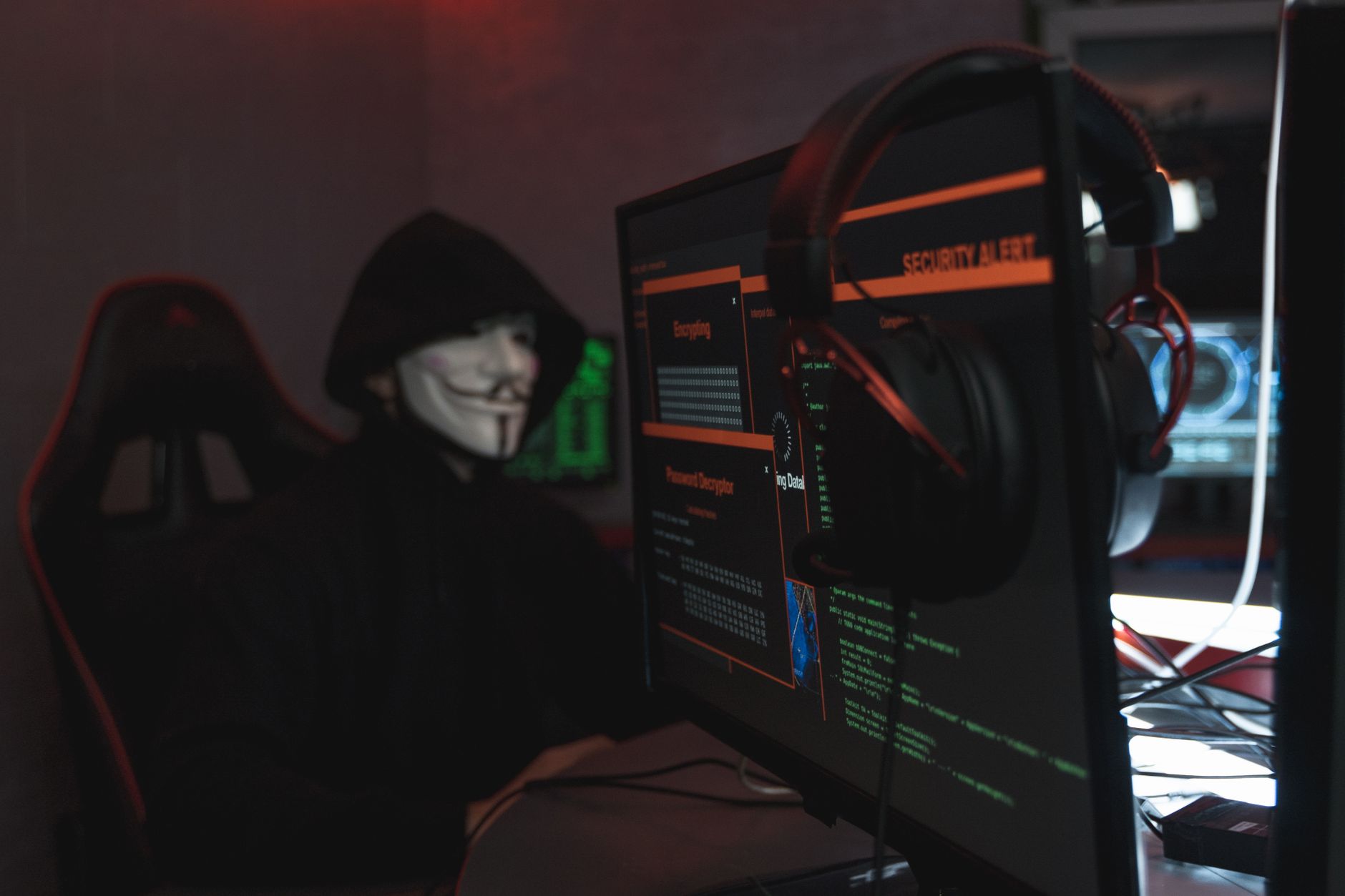
Detection of this threat often occurs after users notice significant performance degradation, unusual CPU usage, or security software alerts. Because it's compiled in managed code, variants can be easily obfuscated and modified, making signature-based detection challenging for older antivirus engines.
Threat Profile
| Attribute | Details |
|---|---|
| Threat Family | Trojan:MSIL/Krypt (cryptominer/stealer hybrid) |
| Platform | Windows (XP through 11), requires .NET Framework 4.0+ |
| Known Aliases | MSIL/Krypt.BFA, W32/Krypt.BFA, Trojan.MSIL.Miner.BFA |
| First Documented | Early 2019 (BFA variant circa 2020) |
| Distribution Methods | Software bundles, fake updates, pirated software cracks, malicious email attachments |
| Primary Capabilities | Cryptocurrency mining (Monero/XMR), credential theft, system information exfiltration, secondary payload delivery |
| Persistence Mechanisms | Run registry keys, scheduled tasks, startup folder entries, Windows service installation (varies by variant) |
| Network Behavior | Connects to mining pools (typical ports 3333, 5555, 7777), C2 communication over HTTP/HTTPS, DNS queries to suspicious domains |
| Common File Locations | %APPDATA%\[random], %LOCALAPPDATA%\[GUID folders], %TEMP%\[installer names] |
| Typical File Size | 200KB–800KB (packed executable), 1–3MB (unpacked with mining components) |
| Indicators of Compromise | Elevated CPU usage (60–90%), new scheduled tasks with random names, unfamiliar processes in Task Manager, outbound connections to pool servers |
| Removal Difficulty | Moderate — requires safe mode boot and manual registry editing; rootkit functionality not typical for this family |
How It Spreads
Trojan:MSIL/Krypt.BFA predominantly spreads through software bundling operations where legitimate-looking installers carry the trojan as a secondary payload. Users downloading "free" versions of commercial software, video codec packs, or system optimization tools from unofficial sources frequently encounter this threat. The installation wizards often use rapid-advance techniques or pre-checked consent boxes to slip the trojan past distracted users.
Email-based distribution also remains common. Attackers send messages impersonating shipping notifications, tax documents, or invoice PDFs. The attachments are either weaponized Office documents with malicious macros or direct executable files disguised with double extensions (like "invoice.pdf.exe"). Social engineering tactics pressure recipients to enable macros or run files before their email client's security features can intervene.
Pirated software represents another major distribution channel. Torrent files and direct-download sites hosting cracked applications, games, or media tools frequently include the trojan in the crack executable or keygen. Because users specifically disable antivirus software to install these cracks (following instructions from the piracy scene), the trojan gains unrestricted initial access.
Common distribution vectors include:
- Bundled software installers from freeware download sites that monetize through PPI (pay-per-install) networks
- Fake browser updates displayed on compromised or malicious websites
- Malvertising campaigns on legitimate ad networks serving exploit-kit redirects
- Torrent files for popular software, games, and media content
- Phishing emails with macro-enabled documents or executable attachments
- Trojanized mobile apps sideloaded from third-party Android stores (MSIL variants can target Android via Mono/Xamarin frameworks)
- Compromised software update mechanisms in outdated legitimate applications
What It Does On Your Machine
Upon execution, Trojan:MSIL/Krypt.BFA immediately performs system reconnaissance to determine the machine's capabilities. It enumerates CPU cores, available memory, GPU specifications, and current workload. Based on this assessment, the trojan decides whether to prioritize cryptocurrency mining or focus on information theft. High-performance systems with gaming GPUs typically receive aggressive mining configurations, while resource-constrained laptops may be relegated to credential-stealing duties only.
The cryptomining component consumes 60–90% of available CPU resources to mine Monero or similar privacy coins. Unlike some miners that throttle themselves when users are active, variants in the Krypt family often maintain high utilization regardless, leading to system slowdowns, overheating, and reduced hardware lifespan. The miner connects to attacker-controlled pools using hardcoded credentials, funneling proceeds to the operator's wallet. Electricity costs are externalized to the victim, making this a profitable operation even with moderate infection rates.
Parallel to the mining operation, the information-stealing module targets browser data, cryptocurrency wallets, FTP credentials, and email client configurations. It scans common installation directories for wallet applications (Electrum, Exodus, Atomic Wallet) and attempts to exfiltrate wallet.dat files or seed phrase backups. Browser credential databases for Chrome, Firefox, Edge, and Opera are copied and transmitted to command-and-control servers. Some variants include keylogging capabilities that activate when banking or cryptocurrency exchange domains are detected in the browser window title.
Persistence mechanisms ensure the trojan survives reboots. The malware creates scheduled tasks set to trigger at user logon, adds Run registry keys pointing to its executable, and may install itself as a Windows service with a generic name like "Windows Update Service" or "System Event Notification." The executable itself is typically placed in a randomly named subfolder within %APPDATA% or %LOCALAPPDATA%, using GUID-style directory names that blend in with legitimate application data.
Manual Removal — Step by Step
Disconnect from the Network
Immediately unplug the Ethernet cable or disable Wi-Fi to prevent further communication with mining pools and C2 servers. This stops data exfiltration and prevents the trojan from downloading additional payloads. If you're on a business network, also notify your IT department about the potential compromise.
Boot into Safe Mode with Networking
Restart your computer and press F8 repeatedly during boot (or Shift+F8 on newer systems). Select "Safe Mode with Networking" from the boot options menu. This loads Windows with minimal drivers and prevents most malware from launching automatically, while still allowing internet access for downloading security tools.
Identify and Terminate the Malicious Process
Open Task Manager (Ctrl+Shift+Esc) and look for suspicious processes consuming high CPU — typically with generic names like "svchost.exe" running from unusual locations (not System32), "wuauclt.exe" in AppData folders, or random-named executables. Right-click the suspicious process, select "Open file location," note the full path, then end the process. Do not delete files yet — that comes after removing persistence.
Remove Registry Persistence Entries
Press Win+R, type "regedit," and press Enter. Navigate to HKEY_CURRENT_USER\Software\Microsoft\Windows\CurrentVersion\Run and HKEY_LOCAL_MACHINE\SOFTWARE\Microsoft\Windows\CurrentVersion\Run. Look for entries with suspicious paths (especially those pointing to AppData folders or GUID-named directories). Right-click and delete any entries that match the file locations identified in Step 3. Export a registry backup before making changes.
Delete Scheduled Tasks
Open Command Prompt as Administrator and run "schtasks /query /fo LIST" to view all scheduled tasks. Look for tasks with suspicious names or those executing files from AppData locations. Delete them using "schtasks /delete /tn [TaskName] /f" — for example, "schtasks /delete /tn \Microsoft\Windows\UpdateService /f". Alternatively, open Task Scheduler GUI (taskschd.msc) and delete suspicious tasks manually.
Delete the Malware Files and Folders
Navigate to the file locations identified in Step 3. Delete the entire parent folder (typically a GUID-named folder or a fake Windows update directory). If you receive "file in use" errors, the process wasn't properly terminated — return to Step 3 and ensure all related processes are stopped. Check both %APPDATA% (C:\Users\[Username]\AppData\Roaming) and %LOCALAPPDATA% (C:\Users\[Username]\AppData\Local) for suspicious folders.
Run a Reputable Anti-Malware Scanner
Reconnect to the internet and download Malwarebytes Free or another trusted scanner. Run a full system scan (not quick scan) to catch any remaining components, secondary payloads, or associated PUPs. Quarantine and remove all detected threats. Consider running a second scan with a different tool like HitmanPro or Emsisoft Emergency Kit for validation — different engines catch different variants.
Reset Browser Settings and Remove Extensions
Open each installed browser and reset settings to defaults. In Chrome, go to Settings > Reset and clean up > Restore settings to their original defaults. In Firefox, type "about:support" in the address bar and click "Refresh Firefox." Remove any unfamiliar extensions or add-ons. Clear browsing data including cached files, cookies, and autofill data that may have been compromised.
Change All Passwords from a Clean Device
Because Trojan:MSIL/Krypt.BFA steals credentials, assume all passwords stored in browsers or entered while infected are compromised. Using a different, known-clean computer or mobile device, change passwords for email, banking, cryptocurrency exchanges, and other critical accounts. Enable two-factor authentication wherever possible. Check your financial accounts and crypto wallets for unauthorized transactions.
Reboot and Verify System Cleanliness
Restart the computer normally (not in Safe Mode) and verify that CPU usage returns to normal levels when idle. Open Task Manager and confirm no suspicious processes are running. Check that scheduled tasks and startup entries remain clean. Monitor network activity for a few days — if CPU spikes return or you see connections to mining pools, the infection may have components you missed, and professional removal is warranted.
Prevention
- Download software only from official sources. Avoid third-party download sites, torrent repositories, and "free software" aggregators. When you need free software, go directly to the developer's website or use the Microsoft Store for Windows applications.
- Keep Windows and all software updated. Enable automatic updates for Windows, browsers, and frequently used applications. Many trojans exploit known vulnerabilities in outdated software like Java, Flash (if still installed), and Adobe Reader. Uninstall software you no longer use.
- Use and maintain reputable antivirus software. Windows Defender is adequate if kept updated, but consider a dedicated solution like Bitdefender, Kaspersky, or ESET for additional layers. Configure real-time protection and schedule weekly full scans. Don't disable your antivirus to install questionable software.
- Practice email caution. Don't open attachments from unknown senders. Be suspicious of unexpected invoices, shipping notices, or tax documents. Verify requests by contacting the supposed sender through official channels, not by replying to the email. Enable email client settings that block automatic macro execution.
- Use a standard user account for daily activities. Don't run Windows as an Administrator for routine tasks. Create a separate standard user account for web browsing and general computing. Malware running under a standard account has limited ability to install system-wide persistence mechanisms.
- Implement network-level protection. Use a router with built-in malware filtering or configure DNS-based filtering services like Cloudflare's 1.1.1.2 (with malware blocking) or Quad9. These can prevent connections to known malicious domains even if malware executes on your system.
- Monitor system performance and network activity. Pay attention to unusual CPU usage, fan noise when the computer should be idle, or unexpected network traffic. Tools like GlassWire can alert you to new applications making network connections, helping you catch miners before they run for weeks.
- Back up important data regularly. While Trojan:MSIL/Krypt.BFA isn't ransomware, infections often lead to data loss during removal or introduce secondary payloads that are. Maintain offline backups of critical files to external drives that are disconnected when not in use. Cloud backups work for non-sensitive data but can be targeted by credential-stealing components.
When Computer Repair Roswell removes Trojan:MSIL/Krypt.BFA from your system, we guarantee it stays gone. If the same infection returns within 90 days, we'll re-clean your computer at no additional charge. We also verify that your system is free of secondary infections and optimize performance to pre-infection levels.
Bring It In
Manual removal of Trojan:MSIL/Krypt.BFA is possible for technically inclined users, but the process carries risks. Missing a persistence mechanism means the infection returns after reboot. Failing to properly clean credential databases means attackers retain access to your accounts even after the trojan is gone. The "are you sure it's really gone?" uncertainty is stressful, especially when financial information may be compromised.
Computer Repair Roswell offers same-day malware removal service for Roswell residents and businesses throughout North Fulton County. Our technicians use multiple commercial-grade scanning engines, manual inspection techniques, and forensic tools to ensure complete eradication. We'll verify your system's clean status, update security software, explain what happened, and provide specific prevention advice for your usage patterns. Call us at (770) 695-6932 or stop by our shop at 1650 Hembree Road, Suite 200. Most malware removals are completed within 24 hours, and we'll keep you updated throughout the process.