Trojan:MSIL/Small represents a detection name used by multiple antivirus vendors to identify a family of malicious programs written in Microsoft Intermediate Language (MSIL), the bytecode format used by .NET Framework applications. Because MSIL is platform-independent and easily obfuscated, this threat family has been exploited by malware authors for over a decade to deliver payloads ranging from keyloggers and remote-access trojans to cryptocurrency miners and information stealers. If your security software has flagged something as Trojan:MSIL/Small, you're dealing with a legitimate threat that requires immediate attention—not a false positive.
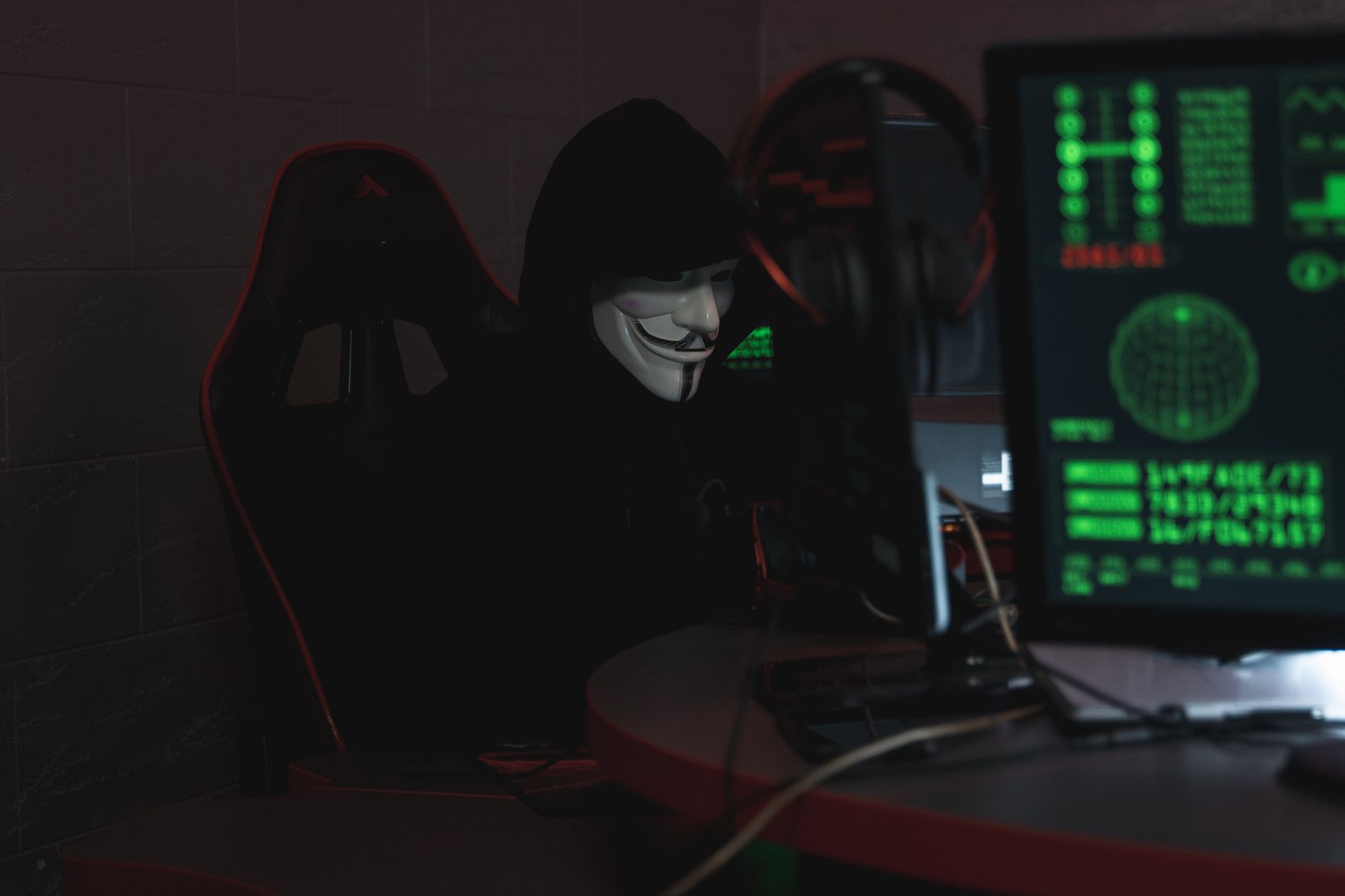
The "Small" designation typically indicates a compact dropper or loader whose primary job is to download and execute additional malware stages. These trojans often arrive bundled with pirated software, fake codec installers, or malicious email attachments, and they're designed to evade detection long enough to establish a foothold on your system. Once active, variants in this family can modify system settings, disable security software, and open backdoors for more dangerous payloads.
Threat Profile
| Attribute | Details |
|---|---|
| Threat Family | Trojan:MSIL/Small (generic dropper/loader family) |
| Platform | Windows (any version with .NET Framework 2.0 or higher) |
| Programming Language | MSIL (Microsoft Intermediate Language / .NET bytecode) |
| Common Aliases | MSIL/Small.gen, Trojan.MSIL.Agent, Win32/Small.MSIL, Generic.MSIL (varies by vendor) |
| First Observed | Early 2010s (family designation, not specific variants) |
| Typical File Size | 15-150 KB (intentionally small to evade size-based heuristics) |
| Primary Function | Dropper/loader for secondary payloads; credential theft; system reconnaissance |
| Persistence Mechanisms | Registry Run keys, Startup folder shortcuts, scheduled tasks, COM hijacking |
| Network Behavior | HTTP/HTTPS connections to C2 servers; often uses hard-coded IPs or domains with DGA backup |
| Capabilities (family-typical) | Download/execute additional malware, keylogging, screenshot capture, process injection, anti-VM checks |
| Common Secondary Payloads | Cryptocurrency miners (XMRig variants), RATs (NanoCore, Agent Tesla), ransomware, info-stealers |
| Detection Difficulty | Moderate—heavily obfuscated MSIL code challenges static analysis but behavioral detection is effective |
| Removal Difficulty | Moderate—requires safe mode removal and thorough registry cleanup; secondary payloads complicate remediation |
How It Spreads
Trojan:MSIL/Small variants rarely arrive alone. They're typically bundled with software that appears legitimate but has been tampered with or packaged by third parties. The most common distribution method involves software cracks, keygens, and "free" versions of paid applications downloaded from torrent sites or sketchy download portals. Users searching for activation tools for Adobe products, Microsoft Office, or popular games are prime targets—the trojan is embedded in the installer or presented as a necessary "crack helper" that must run first.
Email campaigns remain a significant vector. Attackers send messages with ZIP or RAR attachments containing executables disguised as invoices, shipping notifications, or tax documents. The filenames often include multiple extensions (like Invoice_March.pdf.exe) to trick users into thinking they're opening a document. Because MSIL/Small variants are compact, they compress well and slip past size-based email filters more easily than larger malware families.
Beyond direct downloads and email, this threat family spreads through:
- Malicious advertisements (malvertising) on legitimate websites, especially streaming and file-sharing platforms that rely on low-quality ad networks
- Fake software update prompts that mimic Flash Player, Java, or browser update notifications
- Compromised software repositories where legitimate open-source projects have been trojanized and re-uploaded
- USB and network propagation by more sophisticated variants that copy themselves to removable drives or network shares with autorun functionality
- Exploit kit landing pages that leverage browser vulnerabilities to silently download and execute the trojan without user interaction
- Bundled PUPs (potentially unwanted programs) where the trojan is packaged alongside browser toolbars, system optimizers, and other software users dismiss as merely annoying
What It Does On Your Machine
Upon execution, Trojan:MSIL/Small typically performs a brief environmental check to determine whether it's running in a real user environment or a security researcher's sandbox. Variants use techniques like checking for VM-specific registry keys, testing system uptime (malware analysts often use fresh VMs), and verifying mouse movement patterns. If the coast is clear, the trojan establishes persistence by creating registry entries or scheduled tasks that ensure it runs every time Windows starts.
The trojan's core function is to contact a command-and-control server and await instructions. This usually happens within seconds of execution. The malware connects over HTTP or HTTPS to a hard-coded domain or IP address, identifies the infected machine with a unique ID (often based on hardware fingerprints), and requests its next payload. Depending on the attacker's goals, this could be a cryptocurrency miner that quietly consumes your CPU resources, a keylogger that captures everything you type, or a more advanced trojan like a remote access tool that gives the attacker full control over your system.
Many MSIL/Small variants also function as information gatherers. They enumerate installed software, harvest saved browser credentials, collect system information (OS version, installed antivirus, running processes), and capture screenshots. This reconnaissance data gets exfiltrated to the attacker and helps them decide which additional malware to deploy. If your machine looks valuable—perhaps you have accounting software, password managers, or crypto wallet applications installed—you'll receive more sophisticated follow-up payloads.
Throughout all of this, the trojan attempts to remain invisible. It runs without a visible window, often injects itself into legitimate Windows processes like svchost.exe or explorer.exe, and may disable Windows Defender or other security software by modifying registry settings or terminating their processes. Some variants also modify browser security settings to prevent warnings about malicious downloads or certificate errors.
Manual Removal — Step by Step
Disconnect From the Network Immediately
Unplug your Ethernet cable or disable Wi-Fi before proceeding. This prevents the trojan from downloading additional payloads, receiving new commands from its C2 server, or exfiltrating data it has already collected. If you're on a business network, also notify your IT team—the infection may have spread to shared drives or other machines.
Boot Into Safe Mode With Networking
Restart your computer and repeatedly press F8 (or Shift+F8 on newer systems) during boot to access the Advanced Boot Options menu. Select "Safe Mode with Networking." This loads Windows with only essential drivers and services, preventing most malware—including Trojan:MSIL/Small—from automatically starting. You'll need networking enabled for Step 5. On Windows 10/11, you can also access Safe Mode through Settings > Update & Security > Recovery > Restart now, then navigate to Troubleshoot > Advanced options > Startup Settings > Restart > press 5 for Safe Mode with Networking.
Identify and Terminate Malicious Processes
Open Task Manager (Ctrl+Shift+Esc) and look for suspicious processes—especially anything running from AppData folders or with randomized names. Common disguises include misspelled system process names like "svch0st.exe" or generic names like "update.exe" and "system.exe." Right-click suspicious entries and choose "Open file location." If the path points to a user's AppData folder rather than System32, it's almost certainly malicious. Note the full path, then right-click the process and select "End task." Be cautious not to terminate legitimate Windows processes.
Remove Registry Persistence Entries
Press Win+R, type regedit, and hit Enter to open Registry Editor. Navigate to HKEY_CURRENT_USER\Software\Microsoft\Windows\CurrentVersion\Run and HKEY_LOCAL_MACHINE\Software\Microsoft\Windows\CurrentVersion\Run. Look for entries with suspicious paths (especially anything in AppData\Local or AppData\Roaming folders with GUID-style names). Right-click and delete these entries. Also check RunOnce keys in the same locations. Check HKEY_CURRENT_USER\Software\Microsoft\Windows\CurrentVersion\Explorer\Shell Folders and verify that the Startup path hasn't been redirected to a malicious location.
Delete Malicious Files and Folders
Using File Explorer, navigate to the paths you noted in Step 3. Delete the entire parent folder (usually a GUID-named folder in AppData\Local or AppData\Roaming). Also check C:\ProgramData for suspicious folders. Empty your Recycle Bin immediately afterward. If Windows refuses to delete a file claiming it's in use, the process didn't fully terminate—return to Task Manager and try again, or skip to Step 6 and let the security scanner handle it.
Remove Scheduled Tasks
Press Win+R, type taskschd.msc, and press Enter to open Task Scheduler. In the left pane, click "Task Scheduler Library" and review all tasks. Look for recently created tasks (check the "Date Created" column) with suspicious names or actions pointing to AppData folders. Right-click these tasks and select "Delete." Common malicious task names mimic legitimate Windows tasks with slight variations like "MicrosoftEdgeUpdateTaskUser" or "WindowsDefenderUpdate."
Run a Full System Scan With Malwarebytes
Download Malwarebytes (free version is sufficient) from malwarebytes.com using a clean device if possible, or proceed cautiously from Safe Mode with Networking. Install and run a full Threat Scan—not just a quick scan. This will catch any remnants you missed, additional payloads the trojan downloaded, and rootkit components. Let the scan complete (may take 60-90 minutes), then quarantine and delete all detected items. Restart when prompted.
Reset Browser Settings and Remove Extensions
Trojan:MSIL/Small variants often install malicious browser extensions or modify settings to inject ads or track your activity. Open each browser you use, access the extensions/add-ons manager, and remove anything you don't recognize. Then reset browser settings to defaults: in Chrome/Edge, go to Settings > Reset settings > Restore settings to their original defaults; in Firefox, go to Help > More troubleshooting information > Refresh Firefox. This removes hijacked search engines, modified homepages, and injected scripts.
Change All Passwords From a Clean Device
Because this trojan family often includes keylogging or credential-theft capabilities, assume all passwords typed on the infected machine are compromised. Using a different device (smartphone, tablet, or another computer), change passwords for critical accounts: email, banking, social media, and any work-related services. Enable two-factor authentication wherever available—this protects accounts even if the attacker captured your password.
Restart Normally and Verify System Stability
Boot your computer normally (not in Safe Mode) and verify that no malicious processes reappear in Task Manager, no unusual network connections are active (check with netstat -ano in Command Prompt), and your security software stays enabled. Run one more quick scan with Malwarebytes and your primary antivirus. Monitor system performance over the next few days—if CPU usage is unexpectedly high or you notice network activity when idle, secondary malware may remain.
Prevention
- Never download software from torrent sites, crack repositories, or unofficial sources. If you need free software, use legitimate alternatives like GIMP instead of cracked Photoshop, LibreOffice instead of pirated Microsoft Office. Pirated software is the single most common infection vector for this threat family.
- Keep Windows and .NET Framework fully updated. Enable automatic updates. While Trojan:MSIL/Small doesn't typically exploit specific vulnerabilities, the secondary payloads it downloads often do—and an updated system closes these holes before attackers can leverage them.
- Use a reputable antivirus with real-time protection enabled. Windows Defender is adequate if kept updated, but consider layering it with Malwarebytes Premium for real-time anti-exploit and anti-ransomware protection. Configure scheduled weekly scans and never disable your security software to install questionable programs.
- Enable "Show file extensions" in File Explorer. Go to View > Options > View tab > uncheck "Hide extensions for known file types." This prevents trojans from disguising themselves as
document.pdf.exe—you'll see the real.exeextension and know it's not actually a PDF. - Practice email attachment skepticism. Never open unexpected attachments, even from known senders (their accounts may be compromised). If you receive an invoice or shipping notification you weren't expecting, contact the company directly through their website—not by replying to the email—to verify legitimacy.
- Use a standard user account for daily activities. Create a separate administrator account for installing software and making system changes. Running as a standard user limits the damage malware can do because it won't have permission to modify critical system files or install rootkits.
- Disable autorun for removable media. Open Group Policy Editor (Win+R,
gpidit.msc) and navigate to Computer Configuration > Administrative Templates > Windows Components > AutoPlay Policies. Enable "Turn off Autoplay" and select "All drives." This prevents USB-spreading variants from automatically executing. - Implement application whitelisting if technically feasible. Tools like Windows AppLocker or third-party solutions can restrict execution to approved software, preventing trojans from running even if downloaded. This is particularly valuable for business environments or shared family computers.
Bring It In
Manual removal works for straightforward infections, but Trojan:MSIL/Small variants often deploy secondary malware that complicates the picture. If you've followed these steps and still experience strange behavior—browser redirects, unexpected slowdowns, mysterious network activity—there's likely more going on than one generic detection name can capture. Rootkits, fileless malware, and MBR infections require specialized tools and expertise to eradicate completely.
Computer Repair Roswell has been cleaning infected systems for Roswell-area residents and businesses since 2007. We use professional-grade forensic tools to identify every trace of malware, not just the obvious pieces your antivirus flagged. Bring your machine to our shop at 1394 Canton Road in Roswell, or call us at (770) 667-9487 to discuss your situation. We offer free diagnostics—no charge to look at your system and give you an honest assessment of what's needed. Most malware removals are completed same-day, and our transparent pricing means no surprises when you pick up your computer. Let us handle the technical details so you can get back to work with confidence that your system is truly clean.