Trojan:MSIL/Clipbanker.BB is a cryptocurrency theft malware that monitors and hijacks clipboard activity on infected Windows systems. This .NET-compiled trojan specifically targets cryptocurrency wallet addresses by replacing legitimate addresses copied to the clipboard with attacker-controlled addresses, causing victims to unwittingly send funds to cybercriminals. Active since at least 2019, clipbanker trojans represent a particularly insidious threat because they operate silently and exploit the common practice of copying and pasting cryptocurrency addresses during transactions.
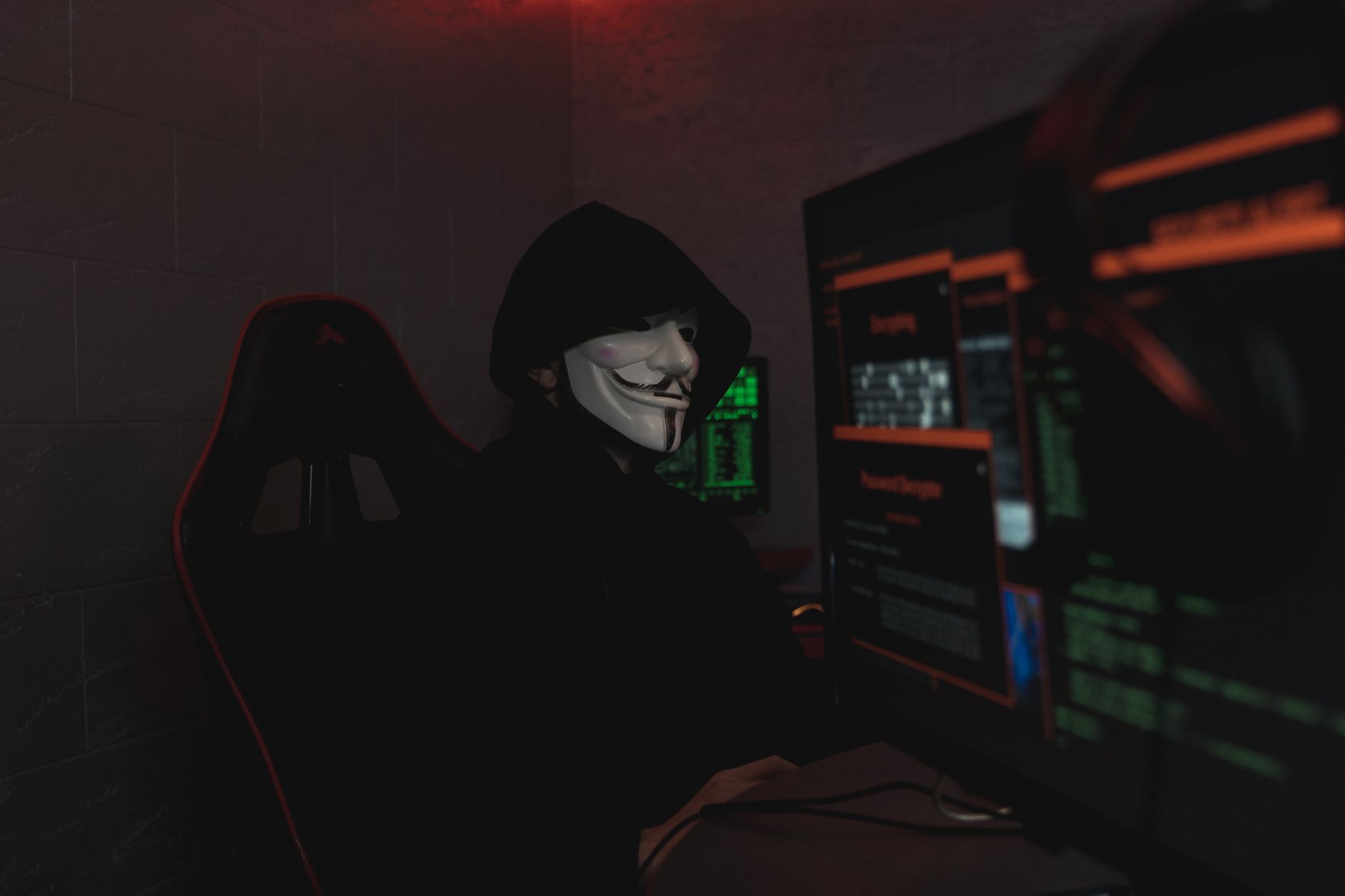
The malware installs itself persistently on the system and continuously monitors clipboard contents for patterns matching cryptocurrency wallet address formats. When detected, it performs near-instantaneous substitution before the victim pastes the address into their transaction interface. Because the swap happens in milliseconds and wallet addresses are long alphanumeric strings that users rarely verify character-by-character, victims often don't realize they've been compromised until funds are irretrievably transferred to the attacker's wallet.
Threat Profile
| Threat Type | Cryptocurrency Clipper Trojan |
| Family | MSIL/Clipbanker |
| Platform | Windows (requires .NET Framework) |
| Primary Payload | Clipboard monitoring and cryptocurrency address substitution |
| Common Aliases | ClipBanker, Clipboard Hijacker, CryptoStealer (generic detection names vary by vendor) |
| First Observed | Variant BB: 2019-2020 timeframe (Clipbanker family dates to 2017) |
| Targeted Cryptocurrencies | Bitcoin (BTC), Ethereum (ETH), Litecoin (LTC), Bitcoin Cash (BCH), Monero (XMR), and numerous altcoins |
| Distribution Methods | Software cracks, pirated applications, malicious email attachments, fake update prompts, bundled PUPs |
| Persistence Mechanisms | Registry Run keys, Startup folder entries, scheduled tasks (varies by variant) |
| Network Behavior | Minimal; some variants report successful swaps to C2 servers, but core functionality operates offline |
| Detection Evasion | Obfuscation, polymorphic compilation, anti-debugging techniques, process hollowing (in some variants) |
| Removal Difficulty | Moderate — persistent mechanisms require registry cleaning; complete removal demands verification of all startup locations |
How It Spreads
Trojan:MSIL/Clipbanker.BB typically infiltrates systems through software bundling and deceptive distribution channels that prey on users seeking free or cracked versions of legitimate software. The trojan is frequently packaged with key generators, game cracks, and pirated productivity applications distributed through torrent sites, file-sharing networks, and questionable download portals. Users believe they're installing a useful tool or cracked software, unaware that the installer includes a silent dropper that deploys the clipbanker payload alongside or instead of the advertised application.
Email-based distribution also plays a significant role in Clipbanker infections. Malicious attachments disguised as invoices, shipping notifications, or business documents may contain executable files or macro-enabled documents that download and execute the trojan. Some campaigns use fake software update notifications — particularly for Flash Player, Java, or codec packs — that deliver the malware when users click through the fraudulent prompts.
Common distribution vectors include:
- Cracked software bundles: Key generators, game cracks, and pirated applications from torrent sites and warez forums
- Malvertising campaigns: Compromised or malicious advertisements on legitimate websites redirecting to fake download pages
- Fake update prompts: Browser pop-ups claiming outdated Flash, Java, or media codecs require immediate updating
- Email attachments: Executable files or macro-enabled documents in phishing emails masquerading as business correspondence
- PUP bundlers: Potentially unwanted programs that include the clipbanker as a secondary payload during installation
- Drive-by downloads: Exploit kits targeting browser or plugin vulnerabilities to silently install the trojan without user interaction
- Social engineering on forums: Cryptocurrency and technical forums where attackers pose as helpful users sharing "tools" or "fixes"
What It Does On Your Machine
Upon execution, Trojan:MSIL/Clipbanker.BB establishes persistence on the infected system and begins its primary function: continuous clipboard surveillance. The malware copies itself to a location in the user profile directory — often within AppData\Local or AppData\Roaming subfolders — using randomized filenames to evade simple detection. It then creates persistence mechanisms ensuring it launches automatically at every system startup, typically through registry Run keys or scheduled tasks that execute the malicious binary whenever the user logs in.
The core functionality operates as a background process that hooks into the Windows clipboard API, monitoring every copy operation performed by the user. The malware maintains an internal database of regular expressions and pattern-matching algorithms designed to identify cryptocurrency wallet addresses across dozens of different formats. When clipboard content matches a cryptocurrency address pattern — such as Bitcoin's alphanumeric strings beginning with 1, 3, or bc1, or Ethereum's 42-character hexadecimal addresses beginning with 0x — the trojan immediately replaces it with an attacker-controlled wallet address of the same cryptocurrency type.
This substitution happens in microseconds, completely transparent to the user. When you copy a legitimate wallet address from an email, website, or your own wallet application and paste it into a transaction form or cryptocurrency exchange, you're actually pasting the attacker's address. Because wallet addresses are intentionally long and appear as meaningless strings to prevent manual transcription errors, users almost never notice the swap. The transaction completes normally from a technical perspective — it simply sends your cryptocurrency to the thief's wallet instead of the intended recipient.
Some Clipbanker variants include additional functionality beyond address substitution. They may log successful swaps and transmit reports to command-and-control servers, allowing attackers to monitor their theft campaign's effectiveness. More sophisticated versions incorporate modular architecture that can receive updates from remote servers, potentially expanding to steal other clipboard content like passwords, authentication codes, or credit card numbers. The malware typically operates with minimal resource consumption to avoid triggering performance-based detection or user suspicion.
Manual Removal — Step by Step
Disconnect from Network and Document Recent Activity
Immediately disconnect the computer from the internet by disabling Wi-Fi or unplugging the Ethernet cable. Before proceeding with removal, review your cryptocurrency transaction history for the past 30-60 days and document any suspicious transfers. Take screenshots of your wallet applications and recent clipboard usage patterns if you use clipboard history features. This documentation may be important for financial recovery efforts or law enforcement reporting.
Boot into Safe Mode with Networking
Restart the computer and boot into Safe Mode with Networking to prevent the trojan from loading its normal persistence mechanisms. On Windows 10/11, hold Shift while clicking Restart, then navigate to Troubleshoot > Advanced Options > Startup Settings > Restart, and select Safe Mode with Networking (option 5). This prevents most malware from executing while allowing you to download necessary removal tools if needed.
Identify and Terminate Malicious Processes
Open Task Manager (Ctrl+Shift+Esc) and examine running processes for suspicious entries, particularly those with generic names like "svchost.exe" running from user directories, randomized filenames, or processes consuming minimal resources but remaining persistently active. Right-click suspicious processes, select "Open file location" to verify their origin, and end any processes launching from AppData folders with unfamiliar paths. Note the full file paths for deletion in subsequent steps.
Remove Registry Persistence Entries
Open Registry Editor by pressing Windows+R, typing "regedit," and pressing Enter. Navigate to HKEY_CURRENT_USER\Software\Microsoft\Windows\CurrentVersion\Run and HKEY_LOCAL_MACHINE\Software\Microsoft\Windows\CurrentVersion\Run. Look for unfamiliar entries pointing to executable files in AppData directories or with suspicious names mimicking system processes. Right-click and delete these entries. Also check the RunOnce keys in the same locations and the Startup folder entries in the registry.
Delete Scheduled Tasks
Open Command Prompt as Administrator and run "schtasks /query" to list all scheduled tasks. Look for tasks with suspicious names or those executing files from user directories. Delete identified malicious tasks using "schtasks /delete /tn [taskname] /f" where [taskname] is the name of the suspicious task. Common disguise names include variations of "Update," "Windows Defender," "Microsoft Edge Update," or randomly generated names.
Delete Malware Files and Folders
Navigate to the file locations identified in step 3 and delete the malicious executable files and their containing folders. Common locations include %LOCALAPPDATA%\[random-GUID] folders, %APPDATA%\[suspicious-folder-name], and %TEMP% directories. Enable "Show hidden files and folders" in File Explorer options to ensure visibility of all AppData contents. Empty the Recycle Bin after deletion to prevent potential re-infection.
Run Comprehensive Malware Scans
Download and install Malwarebytes (free version is sufficient) and perform a full system scan. Follow up with a scan using Windows Defender or another reputable antivirus solution. Clipbanker trojans often arrive bundled with additional malware, so multiple scanning passes with different tools increase the likelihood of catching all components. Quarantine or delete all detected threats and allow the tools to complete their recommended remediation actions.
Clear Clipboard History and Reset Clipboard
Windows 10 and 11 maintain clipboard history that may contain compromised addresses. Press Windows+V to open clipboard history and click "Clear all" to remove stored items. Then disable and re-enable the clipboard history feature in Settings > System > Clipboard. Consider installing a clipboard manager that displays clipboard contents in real-time, allowing you to verify addresses before pasting in the future.
Change Passwords and Enable 2FA on Financial Accounts
Although Clipbanker.BB primarily targets cryptocurrency addresses, some variants include keylogging or broader data theft capabilities. Change passwords for all cryptocurrency exchanges, wallet services, email accounts, and financial institutions using a clean device or after confirming the infection is fully removed. Enable two-factor authentication on every service that offers it, preferably using authenticator apps rather than SMS-based codes.
Reboot and Verify Complete Removal
Restart the computer normally (not in Safe Mode) and monitor system behavior for several hours. Open Task Manager periodically to check for the return of suspicious processes. Perform test copy-paste operations with sample cryptocurrency addresses (not real ones you control) and verify they remain unmodified. Run one final scan with Malwarebytes or your antivirus to confirm the system is clean before resuming normal cryptocurrency operations.
Prevention
- Always verify cryptocurrency addresses character-by-character before confirming transactions. Compare the first six and last six characters of pasted addresses against the original source. Many wallet applications now include QR code scanning as a safer alternative to clipboard usage — use QR codes whenever possible for cryptocurrency transfers to eliminate clipboard hijacking risk entirely.
- Never download software from unofficial sources, torrent sites, or crack repositories. The temporary cost savings of pirated software pale in comparison to the financial devastation of cryptocurrency theft. Obtain all software directly from official vendor websites or verified app stores, and be particularly cautious with free tools promising to enhance cryptocurrency mining or trading.
- Maintain updated antivirus software with real-time protection enabled. Modern security suites increasingly include behavior-based detection specifically designed to catch clipboard hijacking attempts. Ensure Windows Defender or your chosen antivirus solution remains current and performs regular scheduled scans. Consider solutions with explicit cryptocurrency protection features if you regularly transact in digital currencies.
- Disable macros in Microsoft Office applications and scrutinize email attachments. Never enable macros in unsolicited documents, even if the document claims macros are required to view its content properly. This is a classic social engineering tactic used to deliver trojan droppers. Verify sender identities through independent channels before opening any unexpected attachments.
- Use a dedicated, hardened system for cryptocurrency transactions. If you regularly handle significant cryptocurrency amounts, consider maintaining a separate computer used exclusively for cryptocurrency operations. Keep this system minimal — no web browsing, no email, no software downloads beyond essential wallet applications — and update it regularly with security patches.
- Implement address whitelisting in your cryptocurrency wallet applications. Many wallet services allow you to create trusted address lists for frequent recipients. Transactions to non-whitelisted addresses can trigger additional confirmation steps, providing an extra verification layer that can catch substituted addresses before funds transfer.
- Keep your operating system and all applications updated with the latest security patches. Many malware infections begin with exploit kits targeting known vulnerabilities in outdated software. Enable automatic updates for Windows and regularly check for updates to browsers, PDF readers, media players, and other commonly targeted applications.
- Monitor your system's startup programs and scheduled tasks regularly. Open Task Manager's Startup tab monthly and review what's configured to launch automatically. Use the built-in Windows Task Scheduler to examine scheduled tasks for unfamiliar entries. Catching persistence mechanisms early can alert you to infection before significant damage occurs.
Bring It In
Cryptocurrency clipper trojans demand professional attention because incomplete removal leaves you vulnerable to continued theft, and the stakes are simply too high for trial-and-error cleaning attempts. Computer Repair Roswell specializes in thorough malware remediation with particular expertise in financially-motivated threats like Trojan:MSIL/Clipbanker.BB. Our technicians use enterprise-grade removal tools, perform deep registry cleaning, verify all persistence mechanisms are eliminated, and can help you assess whether any cryptocurrency theft occurred during the infection period. We'll also harden your system against future infections and provide practical guidance on safer cryptocurrency practices.
Located in Roswell, Georgia, we offer same-day malware removal service with no appointment necessary for walk-ins. Call us at (770) 856-1992 or stop by our shop at 1206 Warsaw Road. We service both Windows PCs and Macs, and our flat-rate pricing means you'll know the cost upfront — no surprises, no hourly billing that escalates as we work. When your financial security is at risk, trust the local experts who've been protecting Roswell residents' computers for years. Bring your infected system in today and leave with a clean, secured machine backed by our 90-day warranty.