Akira is a ransomware strain that has emerged as a significant threat to both businesses and individual computer users since its first appearance in 2023. Unlike older ransomware families that rely on mass spam campaigns, Akira is typically deployed through targeted intrusions where attackers manually gain access to networks, move laterally, and then deploy the encryption payload. This hands-on-keyboard approach makes Akira infections particularly devastating—attackers often spend days or weeks inside a network before striking, exfiltrating sensitive data and disabling backups to maximize leverage for ransom demands.
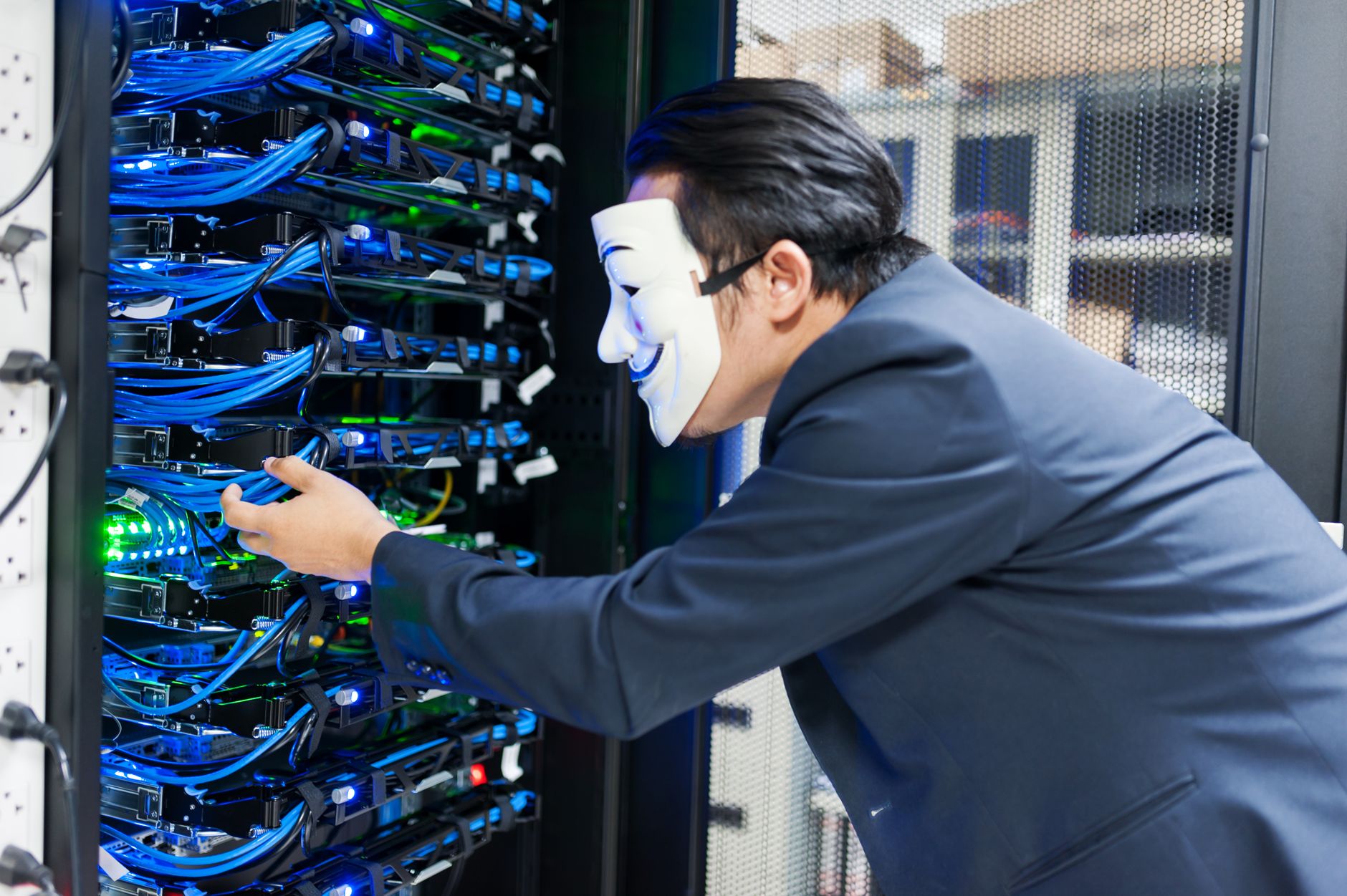
The ransomware targets Windows systems and encrypts files using strong cryptography, appending the .akira extension to affected files. Once encryption completes, victims find a ransom note (typically named akira_readme.txt) demanding payment in Bitcoin for file recovery. The Akira group operates a leak site on the dark web where they publish stolen data from victims who refuse to pay, adding extortion pressure beyond simple file encryption.
Threat Profile
| Threat Name | Akira |
|---|---|
| Aliases | REDBIKE (detection name used by some security vendors) |
| Threat Type | Ransomware (data encryption and exfiltration) |
| Platforms Affected | Windows (PE executable format) |
| File Type | Windows PE32/PE64 executable |
| First Observed | March 2023 |
| Distribution Method | Manual deployment following network compromise, VPN exploitation, RDP brute-force |
| Encryption Extension | .akira (appended to encrypted files) |
| Ransom Note | akira_readme.txt |
| Primary Target | Small to medium businesses, but also opportunistically targets individual systems with valuable data |
| Data Exfiltration | Yes—attackers steal files before encryption for double-extortion |
| Severity Assessment | Critical—sophisticated threat requiring professional remediation |
How It Spreads
Akira ransomware spreads through deliberate, targeted intrusions rather than automated mass infections. The attackers behind Akira conduct reconnaissance to identify valuable targets, then use a combination of exploitation techniques and stolen credentials to gain initial access to networks. This targeted approach means infections often begin weeks before the actual ransomware deploys, with attackers silently mapping the network, escalating privileges, and identifying critical data.
The most common entry points include exploitation of unpatched VPN appliances (particularly Cisco ASA devices with known vulnerabilities), brute-force attacks against Remote Desktop Protocol (RDP) connections that lack strong authentication, and phishing campaigns designed to harvest valid login credentials from employees. Once inside the network, attackers use legitimate Windows administration tools like PowerShell, PsExec, and Windows Management Instrumentation (WMI) to move between systems, making their activity difficult to distinguish from normal IT operations.
Key distribution vectors include:
- VPN vulnerabilities—Exploiting security flaws in remote access solutions to gain initial network entry
- RDP compromise—Brute-forcing or credential-stuffing attacks against exposed Remote Desktop services
- Credential theft—Phishing emails or info-stealer malware used to obtain valid login credentials
- Lateral movement tools—Legitimate Windows tools (PsExec, WMI, PowerShell) used to spread internally after initial compromise
- Disabled security software—Attackers manually disable antivirus, EDR, and backup solutions before deploying ransomware
- Scheduled tasks—Creation of persistence mechanisms to maintain access and trigger ransomware deployment at chosen times
What It Does On Your Machine
Once executed, Akira ransomware operates with surgical precision designed to maximize damage and prevent recovery. The malware first terminates processes and services that could interfere with encryption, targeting database applications (SQL Server, MySQL), email servers, backup services, and even security software. It uses Windows Volume Shadow Copy Service (VSS) deletion commands to eliminate restore points, cutting off one of the most accessible recovery options for victims.
The encryption process uses hybrid cryptography—a combination of symmetric AES and asymmetric RSA encryption—ensuring that even if victims obtain the encrypted file structure, decryption without the attacker-held private key is computationally infeasible. Akira targets document files, images, databases, virtual machines, archives, and essentially any file type that might hold value to the victim. System files necessary for Windows to boot are typically left untouched, ensuring the victim can still access their computer to read the ransom demand.
Before encryption begins, many Akira intrusions include a data exfiltration phase where attackers copy sensitive files to external servers. This "double extortion" tactic means that even if victims restore from backups, attackers can still threaten to publish stolen data—financial records, customer information, proprietary documents—on their leak site if payment isn't made. The ransom note provides instructions for contacting the attackers through Tor-based chat systems, where negotiations typically start with demands ranging from tens of thousands to millions of dollars depending on the perceived victim value.
The ransomware also attempts to spread to network-mapped drives and accessible network shares, meaning a single infected workstation can encrypt files on file servers, NAS devices, and other connected computers. This network propagation capability makes Akira particularly dangerous in small business environments where shared drives often contain irreplaceable business-critical data without adequate offline backup protection.
Manual Removal — Step by Step
Isolate the Infected System Immediately
Disconnect from all networks—unplug the Ethernet cable and disable Wi-Fi. If you're on a business network, do NOT reconnect any systems until IT or a security professional has assessed the scope of compromise. Ransomware actively seeks additional targets, and reconnecting too soon can re-infect cleaned systems or spread to others.
Document Everything Before Making Changes
Photograph the ransom note with your phone. Write down any file extensions you see on encrypted files (.akira). Note the ransom note filename (typically akira_readme.txt). If you plan to involve law enforcement or cyber insurance, this documentation is essential. Do NOT delete the ransom note yet—it may contain unique identifiers needed for investigation.
Boot Into Safe Mode With Networking
Restart your computer and repeatedly press F8 (or Shift+F8 on newer systems) during boot to access Advanced Boot Options. Select "Safe Mode with Networking." This loads Windows with minimal drivers and services, preventing most malware from running while still allowing you to download tools and updates. If you cannot access Safe Mode, the infection may have disabled it—contact professional help.
Run Comprehensive Malware Scans
Download and run Malwarebytes and a secondary scanner like HitmanPro or Emsisoft Emergency Kit. Run full system scans with both tools. Akira ransomware itself may be detected and removed, but understand that removal does NOT decrypt your files. The encryption is cryptographically sound and cannot be reversed without the attackers' decryption key. The goal here is to remove the infection mechanism, not restore files.
Identify and Remove Persistence Mechanisms
Open Task Scheduler (taskschd.msc) and review scheduled tasks for anything unfamiliar, particularly tasks pointing to unusual locations in AppData, Temp, or ProgramData folders. Check Windows Services (services.msc) for suspicious entries. Attackers often create scheduled tasks or services to maintain access even after the ransomware payload executes. Delete any suspicious entries, but document them first.
Check for Additional Compromises
Review user accounts in Computer Management for any administrator accounts you didn't create. Check browser saved passwords, as attackers may have harvested credentials. Run "netstat -ano" from Command Prompt to identify unusual network connections. Akira intrusions often involve multiple stages of malware—info-stealers, remote access tools, and finally the ransomware itself. One detected threat doesn't mean you found everything.
Attempt File Recovery From Available Sources
If Volume Shadow Copies weren't fully deleted, try ShadowExplorer to access them. Check for cloud sync services (OneDrive, Dropbox, Google Drive) that may have previous versions. If you have external backup drives, do NOT connect them yet—verify the system is clean first or you risk encrypting your backups. For Akira specifically, free decryption tools are not currently available; file recovery depends entirely on having uninfected backup copies.
Consider Professional Data Recovery
If your files are critical and you have no backups, consult with ransomware recovery specialists before making additional changes. In some cases, partial file recovery may be possible through forensic techniques, though success rates are low with modern ransomware. Never pay the ransom without professional guidance—payment doesn't guarantee decryption, funds criminal enterprises, and may make you a repeat target.
Reset All Credentials System-Wide
Change every password that was accessible from the infected system—Windows login, email, banking, cloud services, everything. Enable two-factor authentication wherever possible. If this is a business system, assume the attackers accessed everything the compromised account could reach. Credential theft is standard practice in Akira intrusions, and they may return weeks later using stolen passwords.
Rebuild From Known-Good Source
The safest approach with ransomware of Akira's sophistication is complete system reinstallation from clean media. Back up any unencrypted files first, scan them thoroughly on a separate clean system, then perform a full Windows reinstall. This eliminates any hidden backdoors or secondary infections the attackers may have planted. Restore data only from verified clean backups created before the infection timeframe.
Prevention
- Implement offline backup rotation—Maintain at least one complete backup that's physically disconnected from your network and computer. Cloud backups are helpful but insufficient alone, as ransomware increasingly targets cloud-connected storage. Follow the 3-2-1 rule: three copies of data, on two different media types, with one copy offline.
- Secure remote access points—If you use Remote Desktop Protocol, place it behind a VPN, never expose it directly to the internet, require strong passwords with account lockout policies, and implement two-factor authentication. Disable RDP entirely if you don't actively need it. Keep VPN appliances patched and updated—these are prime targets for initial access.
- Segment your network—Even in home offices, separate critical data from everyday computing. Business networks should implement proper segmentation so a compromised workstation can't easily reach file servers, backup systems, or financial systems. This dramatically limits ransomware spread when infections occur.
- Maintain aggressive patch management—Akira attackers exploit known vulnerabilities in VPN software, remote access tools, and unpatched Windows systems. Enable automatic updates for Windows, and monitor vendor advisories for any network equipment, especially VPN concentrators and firewalls. Most intrusions exploit vulnerabilities for which patches have been available for months.
- Deploy endpoint detection and response—Consumer antivirus alone is insufficient against targeted ransomware. EDR solutions monitor behavior patterns and can detect the lateral movement, credential dumping, and shadow copy deletion that precede ransomware deployment. For businesses, this is non-negotiable; for individuals with valuable data, it's worth the investment.
- Restrict administrative privileges—Don't use administrator accounts for daily computing. Ransomware inherits the privileges of the account running it—if you're logged in as admin, the ransomware gets admin access to disable security software and encrypt system-wide. Use standard user accounts for browsing, email, and normal work.
- Monitor for unusual activity—Large-scale file modifications, disabled security software, unusual scheduled tasks, or unexpected outbound network connections are all warning signs. Many Akira victims had opportunities to detect the intrusion during the reconnaissance phase before encryption occurred, but lacked monitoring to notice the warning signs.
- Educate users on credential security—Train family members or employees to recognize phishing attempts and never reuse passwords across services. Use a password manager to generate and store unique credentials. The initial compromise in many Akira cases traces back to stolen credentials from phishing or previous data breaches on unrelated services.
When Computer Repair Roswell removes ransomware from your system, we guarantee our work for 90 days. If the same malware returns during that period, we'll re-clean your system at no additional charge. We also include post-cleaning guidance on securing your system to prevent reinfection—because getting you back up and running is only half the job. Keeping you safe is the other half.
Bring It In
Ransomware removal—particularly with sophisticated threats like Akira—requires expertise that goes beyond running a scanner. At Computer Repair Roswell, we approach ransomware cases with full forensic care: identifying how the infection occurred, what data may have been compromised, and ensuring no persistence mechanisms remain after cleaning. We understand that encrypted files often represent irreplaceable memories, critical business records, or years of work. While we're honest that decryption without the attackers' key is typically impossible for modern ransomware, we explore every available recovery option—shadow copies, backup sources, partial file reconstruction—before concluding that data is unrecoverable.
Located right here in Roswell, Georgia, we've seen the aftermath of ransomware attacks on local families and small businesses firsthand. We know the stress, the disruption, and the feeling of violation that comes with this type of crime. We'll walk you through your options clearly, never pressure you toward unnecessary services, and help you implement real protections to prevent a repeat incident. Don't let ransomware attackers win by default—bring your infected computer to our shop at 1394 Canton Road, or call us at (770) 679-9049. We're here to help you get back to normal, and to make sure "normal" includes the security you should have had from the start.