The Trump Crypto Giveaway Scam is a fraudulent social media scheme that impersonates former President Donald Trump and other political figures to trick victims into sending cryptocurrency with false promises of doubled returns. These scams typically appear on platforms like X (formerly Twitter), Facebook, and YouTube, often using hijacked verified accounts or sophisticated deepfake videos to lend credibility. Victims are instructed to send Bitcoin, Ethereum, or other cryptocurrencies to a specified wallet address with the promise of receiving twice the amount back—a payment that never arrives.
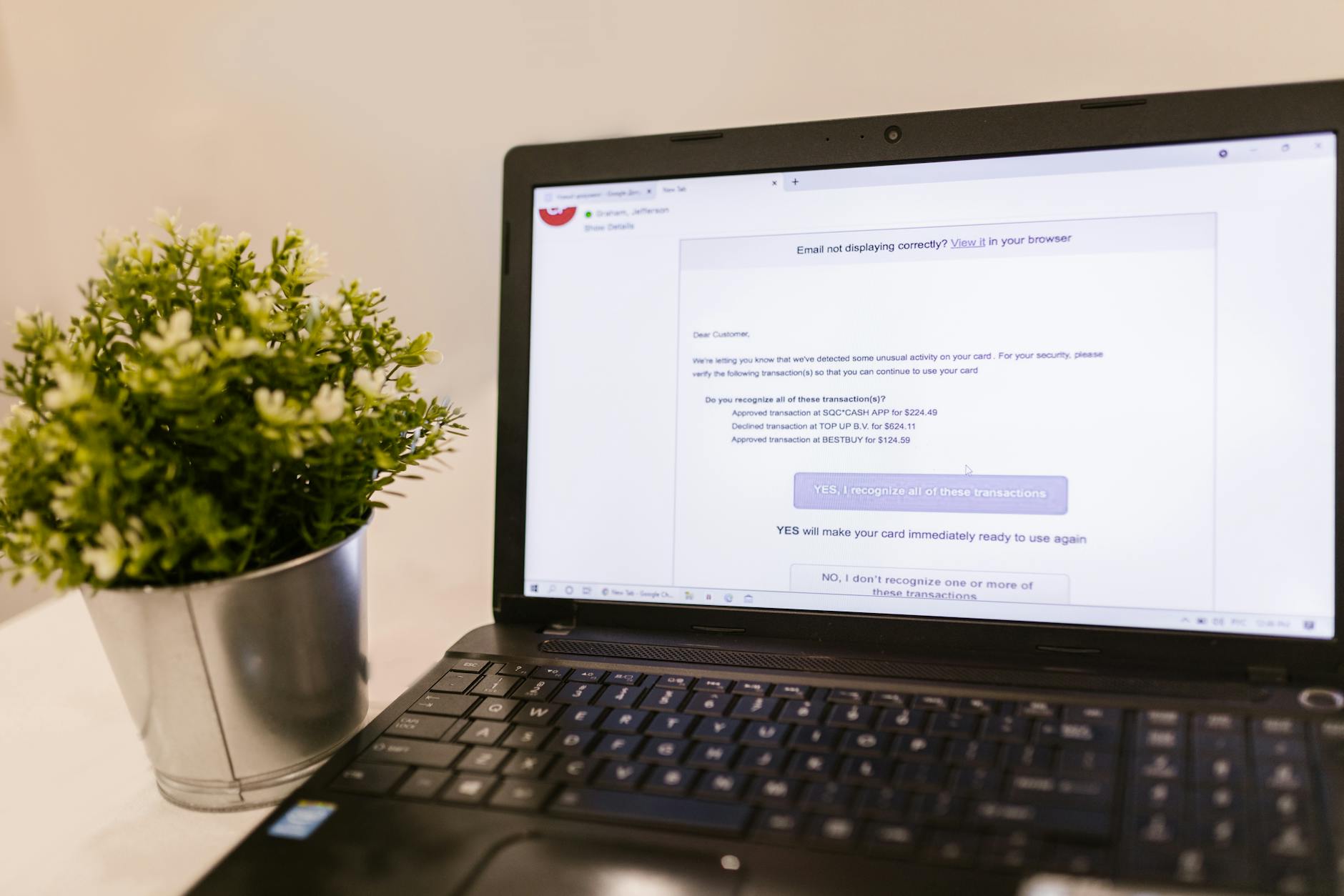
This scam belongs to the broader category of cryptocurrency giveaway fraud, which has cost victims millions of dollars collectively. While it doesn't technically infect your computer with malware in the traditional sense, falling for it can lead to irreversible financial loss, and related phishing links may direct you to credential-harvesting sites or actual malware distribution points.
Threat Profile
| Attribute | Details |
|---|---|
| Threat Type | Social engineering scam / Cryptocurrency fraud |
| Target Platforms | All (runs via social media; no OS-specific payload typically) |
| Distribution Method | Hijacked verified social media accounts, paid promotions, deepfake videos, fake news sites, malicious ads |
| Impersonation Targets | Donald Trump, Elon Musk, political figures, tech CEOs, verified influencers |
| Financial Impact | Typically $500–$5,000 per victim; some cases exceed $50,000 |
| Associated Malware Risk | Moderate—phishing links may deliver infostealers, browser hijackers, or credential harvesters |
| Geographic Targeting | Primarily English-speaking countries (US, UK, Canada, Australia) |
| Active Since | 2020 (surged during 2020–2024 election cycles and crypto market peaks) |
| Wallet Reuse | Scammers rotate addresses frequently; victim funds typically moved within hours |
| Reversal Possibility | None—blockchain transactions are permanent |
How It Spreads
The Trump Crypto Giveaway Scam spreads through a combination of compromised social media infrastructure and manufactured legitimacy. Scammers either hijack verified accounts—sometimes through phishing or SIM-swapping attacks on the account holders themselves—or create convincing deepfake videos showing Trump or other figures announcing the giveaway. These videos may be inserted into live-stream replays, placed in promoted posts, or shared through networks of bot accounts that rapidly amplify the content.
Once a post gains traction, the scam relies on social proof: seeing thousands of views, hundreds of comments (often from bot accounts claiming they received payouts), and the verified checkmark creates a false sense of security. The posts typically include a sense of urgency—"limited time," "first 1,000 participants only"—to short-circuit critical thinking. Some versions direct victims to external sites designed to look like official campaign pages or cryptocurrency exchanges.
Common distribution vectors include:
- Compromised verified accounts: Hijacked accounts of legitimate influencers, businesses, or media figures suddenly posting crypto giveaway announcements
- Deepfake live-streams: Fabricated videos of Trump, Musk, or others edited into what appears to be live coverage on YouTube or other platforms
- Paid promotion abuse: Scammers briefly purchase legitimate ad placements before platforms detect and remove them
- Reply-chain poisoning: Bots reply to trending posts from real political or crypto accounts with giveaway links
- Fake news sites: Replica sites mimicking CNN, Fox News, or crypto news outlets with fabricated articles about the giveaway
- QR codes at events: Physical flyers or digital displays at crypto conferences or political rallies
- Malicious browser extensions: Some extensions inject fake giveaway overlays onto legitimate social media pages
What It Does On Your Machine
The scam itself is primarily social engineering and doesn't necessarily install software on your device. However, the ecosystem around these scams frequently includes secondary threats. If you clicked links associated with the scam, you may have been directed to phishing pages designed to capture your cryptocurrency exchange credentials, email passwords, or personal information. Some of these pages prompt you to download "verification tools" or "wallet connectors" that are actually information-stealing malware.
If you downloaded any files or browser extensions connected to the scam, you may now have an infostealer on your system. These trojans harvest stored passwords from browsers, cryptocurrency wallet files, authentication cookies, and saved payment information. The data is typically exfiltrated to remote servers within minutes of infection. Common payloads associated with crypto scams include RedLine Stealer, Vidar, Raccoon Stealer, and similar families—all designed to operate silently while cataloging your credentials.
Some victims report unwanted browser extensions appearing after interacting with scam sites. These extensions may modify search results to promote additional scams, redirect cryptocurrency-related searches to phishing sites, or inject fake balance information into legitimate exchange sites to encourage further transactions. Registry modifications and scheduled tasks may ensure these extensions reinstall themselves even after manual removal.
Manual Removal — Step by Step
Disconnect from the Internet
Immediately disable your Wi-Fi or unplug your ethernet cable. If you installed malware alongside the scam, this prevents further data exfiltration and stops the attacker from remotely controlling your system while you perform removal.
Document the Scam
Before making changes, take screenshots of the scam post, any emails or messages you received, the wallet address you sent funds to, and your transaction confirmation. You'll need this documentation for law enforcement reports and potential insurance claims.
Boot into Safe Mode with Networking
Restart your computer and press F8 (or Shift+F8 on newer systems) during startup to access Advanced Boot Options. Select "Safe Mode with Networking." This loads Windows with minimal drivers and prevents most malware from executing, while still allowing you to download security tools.
Remove Suspicious Browser Extensions
Open each browser you use (Chrome, Edge, Firefox) and navigate to the extensions page. Remove anything you don't recognize, especially items not installed from official stores. Pay particular attention to extensions related to cryptocurrency, wallet management, or ones that appeared within 48 hours of the scam interaction.
Check for Suspicious Processes
Press Ctrl+Shift+Esc to open Task Manager. Look for unfamiliar processes, especially ones running from %TEMP%, %APPDATA%, or user folders with random names. Right-click suspicious processes, choose "Open file location," then end the process. Note the file locations for deletion in the next step.
Delete Malicious Files and Folders
Navigate to any suspicious file locations you identified. Common hiding spots include C:\Users\[YourName]\AppData\Local\Temp and AppData\Roaming folders with GUID-style names. Delete entire folders that contain the suspicious executables. Empty your Recycle Bin when complete.
Remove Persistence Mechanisms
Press Windows+R, type "regedit," and navigate to HKEY_CURRENT_USER\Software\Microsoft\Windows\CurrentVersion\Run. Look for unfamiliar entries and delete them. Then open Task Scheduler (search for it in the Start menu) and remove any tasks you don't recognize, especially those that run executables from user directories.
Run Full System Scans
Reconnect to the internet and download Malwarebytes (the free version works fine for this). Run a full system scan, not a quick scan. Follow up with a scan using Windows Defender or your existing antivirus. Quarantine or delete everything detected. For cryptocurrency-related infections, we also recommend HitmanPro for a secondary opinion.
Reset All Affected Passwords
From a known-clean device (your phone or a different computer), immediately change passwords for your cryptocurrency exchanges, email accounts, banking sites, and any service where you reused passwords. Enable two-factor authentication everywhere possible. If you use a password manager, assume it may have been compromised and rotate those credentials as well.
Verify and Monitor Accounts
Check your cryptocurrency exchange accounts for unauthorized transactions or withdrawal addresses. Review your email sent folder for messages you didn't write. Monitor your bank accounts for suspicious activity. Consider placing fraud alerts with credit bureaus if you provided personal information beyond just crypto transactions.
Prevention
- Understand that legitimate giveaways never require payment first. No genuine entity—celebrity, politician, company, or foundation—will ever ask you to send cryptocurrency in order to receive more back. This is the fundamental red flag. Real giveaways might ask you to follow accounts, retweet, or fill out forms, but never to make a payment.
- Verify through official channels only. If you see a giveaway announcement from a public figure, navigate manually to their verified website or official social media account (don't click links in the suspicious post). If the announcement isn't there, it's fake. Political campaigns and official organizations announce legitimate promotions through multiple verified channels, not just a single social media post.
- Scrutinize verification badges and account details. Click on the account profile making the announcement. Check the account creation date, posting history, and follower interactions. Newly created accounts, dormant accounts that suddenly became active, or accounts with engagement patterns that don't match their follower count are all red flags. Be aware that verification badges can sometimes be present on compromised accounts.
- Be skeptical of urgency and artificial scarcity. Scammers create time pressure to override your critical thinking. Legitimate organizations don't structure giveaways with "only the next hour" or "first 100 people" limits when those people are expected to send large sums of money. Take time to research any offer that pressures immediate action.
- Never download "verification tools" for giveaways. No cryptocurrency transaction requires special software from a social media post. If any promotion asks you to download verification apps, wallet connectors, or browser extensions to participate, it's malicious. All legitimate crypto transactions can be completed through your existing exchange account or wallet software.
- Use dedicated devices for financial transactions. Consider conducting all cryptocurrency and banking activities on a separate device or browser profile that you never use for general web browsing or clicking social media links. This compartmentalization limits exposure if you accidentally visit a compromised site.
- Keep your software updated and use security tools. Maintain current versions of your operating system, browsers, and antivirus software. Use browser extensions like uBlock Origin and enable built-in phishing protection. These won't stop you from voluntarily sending crypto, but they'll reduce the risk of associated malware infections.
- Educate yourself about deepfakes and manipulation. Modern video editing can make it appear that public figures are saying things they never said. Look for visual artifacts—unnatural facial movements, lighting inconsistencies, audio sync issues, or backgrounds that don't match the supposed live event. When in doubt, search for news coverage of the supposed event from established media outlets.
Bring It In
If you've interacted with the Trump Crypto Giveaway Scam or a similar scheme and you're concerned about what might be on your computer, don't gamble with do-it-yourself removal. These scams increasingly bundle sophisticated information-stealing malware that can hide in your system for weeks, quietly harvesting credentials for every account you access. Even if you followed the steps above, professional verification ensures nothing was missed. We'll perform a comprehensive security audit, check for hidden persistence mechanisms, verify your browser integrity, and confirm your system is genuinely clean—not just appearing clean.
Computer Repair Roswell is located right here in Roswell, Georgia, and we've helped dozens of clients recover from cryptocurrency scams and associated malware infections. Bring your computer to our shop at your convenience—no appointment necessary for drop-offs—or give us a call at (770) 609-1798 to discuss your situation. We'll explain exactly what we find, provide a clear quote before starting any work, and have you back up and running securely, typically within 24-48 hours. The financial loss from the scam is unfortunate, but protecting your remaining accounts and personal information is critical—let us help you contain the damage.