Nitol is a versatile trojan family that has been circulating since at least 2012, originally identified as part of massive botnets operating out of compromised networks. This malware acts primarily as a backdoor and DDoS (Distributed Denial of Service) bot, allowing remote attackers to control infected systems and use them for launching coordinated attacks against websites and servers. What makes Nitol particularly concerning for home and business users is its modular nature — infected machines can be commanded to download additional payloads, turning a single infection into a platform for multiple threats including ransomware, data theft tools, and cryptocurrency miners.
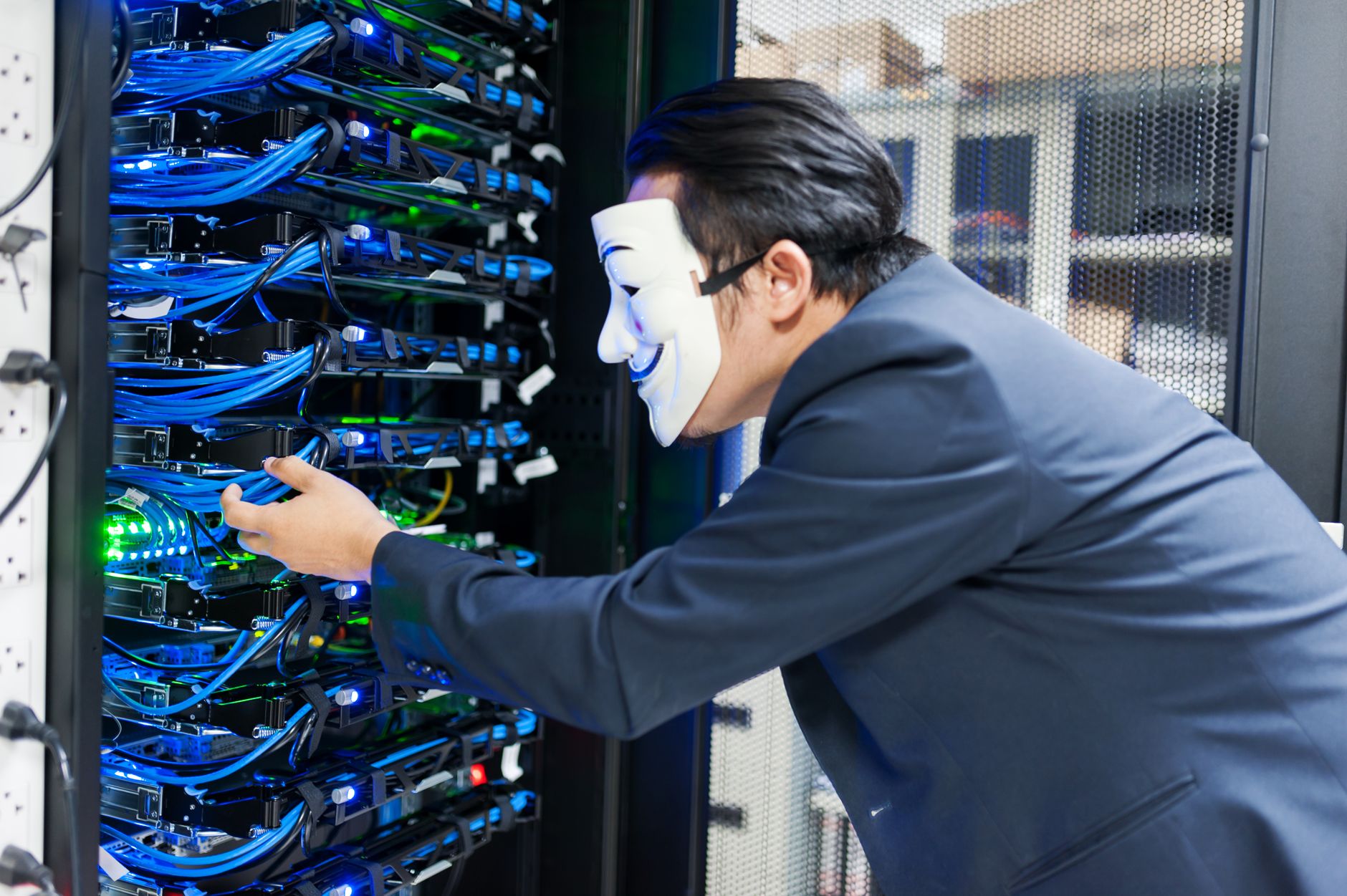
While Nitol peaked in prevalence during the mid-2010s, variants continue to circulate through malvertising networks, software bundles, and drive-by downloads. The trojan's primary value to attackers lies in commandeering your computer's processing power and network connection without your knowledge, contributing your machine to botnets that can number in the tens of thousands. Beyond the bandwidth theft and performance degradation, Nitol infections often serve as the entry point for more destructive malware families.
Threat Profile
| Attribute | Details |
|---|---|
| Family | Trojan-DDoS / Backdoor |
| Common Aliases | Trojan:Win32/Nitol, Backdoor.Nitol, BKDR_NITOL, Trojan.Generic.KD, DDoS.Nitol |
| Platform | Windows (all versions from XP through Windows 11; primarily targets 32-bit systems but 64-bit variants exist) |
| First Documented | 2012 (major Microsoft takedown operation in 2012 targeted Nitol infrastructure) |
| Distribution Methods | Malicious ads (malvertising), fake codec installers, bundled with pirated software, drive-by downloads, USB worm propagation |
| Persistence Mechanisms | Registry Run keys, Windows Services, scheduled tasks, DLL injection into legitimate processes |
| Primary Capabilities | DDoS attack participation, remote command execution, keylogging, screenshot capture, arbitrary file download/execution, process termination, system information gathering |
| Common File Locations | %TEMP%, %APPDATA%\[random], %SYSTEMROOT%\system32 (disguised as legitimate files), removable drive root directories |
| Network Behavior | Connects to C&C servers (often compromised legitimate sites), sends periodic beacons, receives attack commands, participates in UDP/TCP flood attacks |
| IoC Artifacts | Modified Run registry keys, service entries with random/generic names, high outbound network traffic on unusual ports, CPU/bandwidth spikes during idle periods |
| Typical File Size | Varies (30KB-500KB depending on variant and bundled modules) |
| Removal Difficulty | Moderate to High (rootkit variants may hide from standard tools; complete removal requires persistence mechanism cleanup and payload deletion) |
How It Spreads
Nitol's distribution strategy evolved significantly over its operational lifespan. Early variants spread aggressively through USB drives using autorun functionality, copying themselves to removable media and infecting any Windows machine that mounted the drive with autorun enabled. While Microsoft disabled autorun for removable drives in later Windows versions, Nitol variants adapted by creating tempting shortcut files on USB drives that, when clicked, execute the hidden malware payload.
The most common infection vector for modern Nitol variants involves software bundling and deceptive downloads. Users searching for free versions of commercial software, video codecs, or system utilities encounter download sites that bundle Nitol with seemingly legitimate installers. These bundled packages often use confusing installation dialogs where the malware installation is pre-checked in small print, or they skip disclosure entirely. Malvertising campaigns have also distributed Nitol by placing malicious advertisements on legitimate websites, triggering drive-by downloads when users with unpatched browsers visit those pages.
Specific distribution methods include:
- Fake codec installers: Websites claiming you need a special video codec to watch content, delivering Nitol instead
- Pirated software bundles: Cracked games, productivity software, and utilities from torrent sites or file-sharing networks
- Malicious email attachments: Less common for Nitol specifically, but some variants arrived via phishing emails disguised as invoices or shipping notifications
- Exploit kits: Compromised websites hosting exploit code that targets browser or plugin vulnerabilities to silently install Nitol
- USB worm propagation: Self-replication to removable drives with autorun infection or social engineering shortcuts
- Bundled with other malware: Secondary payload dropped by other trojans that gained initial access through different methods
What It Does On Your Machine
Once executed, Nitol begins by establishing persistence so it survives system reboots. The trojan typically copies itself to multiple locations on the hard drive, often using random folder names in the user's AppData directory or disguising itself with names that mimic legitimate Windows system files. It modifies Windows Registry keys to ensure automatic execution at startup, commonly targeting the Run and RunOnce keys, or creating new Windows services with innocuous-sounding names. Some variants inject malicious code directly into legitimate system processes like svchost.exe or explorer.exe, making detection and removal significantly more challenging.
After establishing its foothold, Nitol contacts its command-and-control (C&C) servers to register the infected machine as part of the botnet. This initial "check-in" sends system information to the attackers including your IP address, operating system version, installed security software, and a unique infection identifier. From that point forward, your computer becomes a soldier in a potentially massive botnet army, awaiting commands from the botnet operators. You may notice periods of unexplained high CPU usage, network activity during times when you're not actively using the internet, or overall system sluggishness as Nitol consumes resources for its malicious activities.
The trojan's primary function involves participating in distributed denial-of-service attacks against target websites or servers. When commanded by the C&C server, infected machines simultaneously flood a target with massive amounts of traffic, overwhelming the victim's infrastructure and causing service disruptions. Your computer's participation in these attacks occurs completely in the background — you remain unaware that your machine is being weaponized against third parties. Beyond DDoS functionality, Nitol variants can download and execute additional malware modules, capture screenshots, log your keystrokes, terminate security software processes, and steal system information. The modular architecture means that what starts as a simple backdoor can quickly evolve into a multi-faceted threat depending on what the operators choose to deploy next.
Manual Removal — Step by Step
Disconnect From the Network Immediately
Unplug your ethernet cable or disable Wi-Fi before proceeding with any removal steps. Nitol maintains communication with command servers and could receive instructions to deploy additional malware or resist removal attempts while connected. Network isolation prevents further commands from reaching the trojan and stops your machine from participating in ongoing botnet activities.
Boot Into Safe Mode with Networking
Restart your computer and repeatedly press F8 during boot (or use the Advanced Startup options in Windows 10/11) to access Safe Mode with Networking. This loads Windows with minimal drivers and services, preventing most of Nitol's persistence mechanisms from activating. Safe Mode makes it significantly easier to identify and terminate the malicious processes without interference from the trojan's protective routines.
Identify and Terminate Malicious Processes
Open Task Manager (Ctrl+Shift+Esc) and look for suspicious processes with random names, misspelled system file names, or executables running from unusual locations like temporary folders or user AppData directories. Right-click any suspicious process and select "Open File Location" to verify the path — legitimate Windows processes run from System32, not from user folders. Terminate suspicious processes, but document their names and locations first for the deletion phase.
Remove Registry Persistence Entries
Press Windows+R, type "regedit" and navigate to HKEY_CURRENT_USER\Software\Microsoft\Windows\CurrentVersion\Run and HKEY_LOCAL_MACHINE\Software\Microsoft\Windows\CurrentVersion\Run. Look for entries pointing to executables in suspicious locations (AppData, Temp folders, or with random names). Delete these entries. Also check HKLM\SYSTEM\CurrentControlSet\Services for service entries with generic names or paths to non-system locations. Be cautious — only remove entries you're confident are malicious, as deleting legitimate system entries can cause boot problems.
Delete Scheduled Tasks
Open Task Scheduler (search for it in the Start menu) and review the task list for entries with generic names like "System Update Task" or "Windows Update Service" that run executables from non-system locations. Right-click and delete any suspicious scheduled tasks. Nitol variants often create multiple scheduled tasks as backup persistence mechanisms, so check thoroughly through the entire list, especially tasks scheduled to run at logon or on regular intervals.
Locate and Delete Malware Files
Navigate to the file locations you identified in step 3 and delete all associated malware files and folders. Common locations include %APPDATA%\[random-folder], %LOCALAPPDATA%\Temp, and occasionally %SYSTEMROOT%\System32 (for files with misspelled names). Show hidden files by enabling "Hidden items" in File Explorer's View tab. Delete the entire containing folder if it appears to have been created by the malware (folders with GUID-like names or random character strings). Empty the Recycle Bin immediately after deletion.
Run Malwarebytes or Similar Reputable Scanner
Reconnect to the internet temporarily and download Malwarebytes Free (from the official malwarebytes.com site only) if you don't already have it installed. Run a full system scan to catch any components you might have missed during manual removal. Nitol often drops multiple files and creates numerous persistence points — specialized anti-malware tools have signature databases specifically designed to identify all components of known trojan families. Quarantine and remove all detected threats before proceeding.
Check and Clean USB Drives and External Media
Before reconnecting any removable drives, ensure they're scanned. Nitol variants propagate to USB drives, and simply cleaning your computer won't prevent reinfection if you plug in an infected flash drive. Connect each USB drive individually (while antivirus is active), scan it fully with Malwarebytes or your installed security software, and delete any autorun.inf files, suspicious executables in the root directory, or shortcuts that point to hidden files. Consider reformatting USB drives if you're uncertain about their cleanliness.
Change All Passwords
Because some Nitol variants include keylogging capabilities, assume that any passwords entered while the infection was active may be compromised. After confirming the removal is complete, change passwords for all critical accounts — email, banking, social media, and especially any accounts with stored payment information. Use a different, clean device for the most sensitive password changes if possible, or at minimum ensure you've completed all previous removal steps and rebooted successfully before changing credentials on the cleaned machine.
Reboot Normally and Verify System Stability
Restart your computer into normal mode (not Safe Mode) and observe its behavior over the next several hours. Check Task Manager for unexpected processes or unusual network activity. Monitor CPU and disk usage — legitimate system processes should return to normal levels. Run one more quick scan with Malwarebytes to confirm nothing has reappeared. If the system boots normally, runs smoothly, and shows no signs of malicious activity, the removal was likely successful. If problems persist, the infection may have rootkit components that require professional removal.
Prevention
- Keep Windows and all software updated. Enable automatic updates for Windows and configure software to auto-update when possible. Nitol and similar malware often exploit known vulnerabilities that have already been patched — staying current with updates closes these security holes before attackers can leverage them.
- Never download software from untrusted sources. Stick to official vendor websites, Microsoft Store, or verified repositories for all software installations. Torrent sites, file-sharing networks, and "free download" sites are primary distribution channels for bundled malware. If software is normally paid and you're finding it free, assume it's bundled with something malicious.
- Disable autorun/autoplay for removable media. Prevent USB drives and external media from automatically executing code when connected. In Windows 10/11, search for "AutoPlay settings" and turn off AutoPlay for all media types, or at minimum set it to "Take no action." This single change blocks an entire category of USB-based malware propagation.
- Run reputable antivirus software with real-time protection. Windows Defender (built into Windows 10/11) provides solid baseline protection if kept updated. Supplement with Malwarebytes Premium for additional behavior-based detection. Ensure real-time protection is always enabled — reactive scanning after infection is far less effective than preventing the infection in the first place.
- Use a standard user account for daily activities. Create a separate administrator account for system changes and use a standard (non-admin) account for web browsing, email, and normal work. Malware running with limited user privileges has a much harder time establishing deep system persistence or modifying critical security settings.
- Enable Windows Firewall and consider egress filtering. While firewalls are often configured to block incoming connections, consider configuring outbound rules as well. Advanced users can use firewall software to alert them when programs attempt unexpected outbound connections — this would catch Nitol's initial C&C beacon before the botnet registration completes.
- Be skeptical of codec installation prompts. Modern browsers and operating systems include codecs for virtually all common media formats. If a website claims you need to install a special codec or player to view content, close the browser immediately — it's almost certainly a malware delivery mechanism. Legitimate streaming services never require separate codec downloads.
- Scan USB drives before opening their contents. Develop the habit of right-clicking any newly connected USB drive and selecting "Scan with [your antivirus]" before browsing its files or opening anything. This simple step catches USB-borne malware before it has a chance to execute, and takes only seconds to complete.
Bring It In
Nitol removal can be straightforward for tech-savvy users dealing with simple variants, but rootkit-enabled versions that hide from standard tools require professional intervention. If you've attempted manual removal and the infection persists, or if you're not comfortable editing the registry and identifying malicious processes among legitimate system operations, bring your computer to Computer Repair Roswell. Our technicians have specialized tools and years of experience with trojan infections — we'll thoroughly clean your system, verify that all malware components are gone, and ensure your computer is running properly before you take it home.
We're located at 1254 Warsaw Rd in Roswell, Georgia, and we handle same-day service for malware removal in most cases. Call us at (770) 637-1435 to describe your symptoms and we can give you a quick assessment over the phone. Bring in your computer any time during business hours — no appointment necessary for virus removal services. We service both Windows PCs and Macs, and our flat-rate pricing means you'll know the cost upfront with no surprises. Don't let a trojan infection compromise your data security or turn your computer into a bot in someone else's attack network — let us get your system cleaned and protected today.